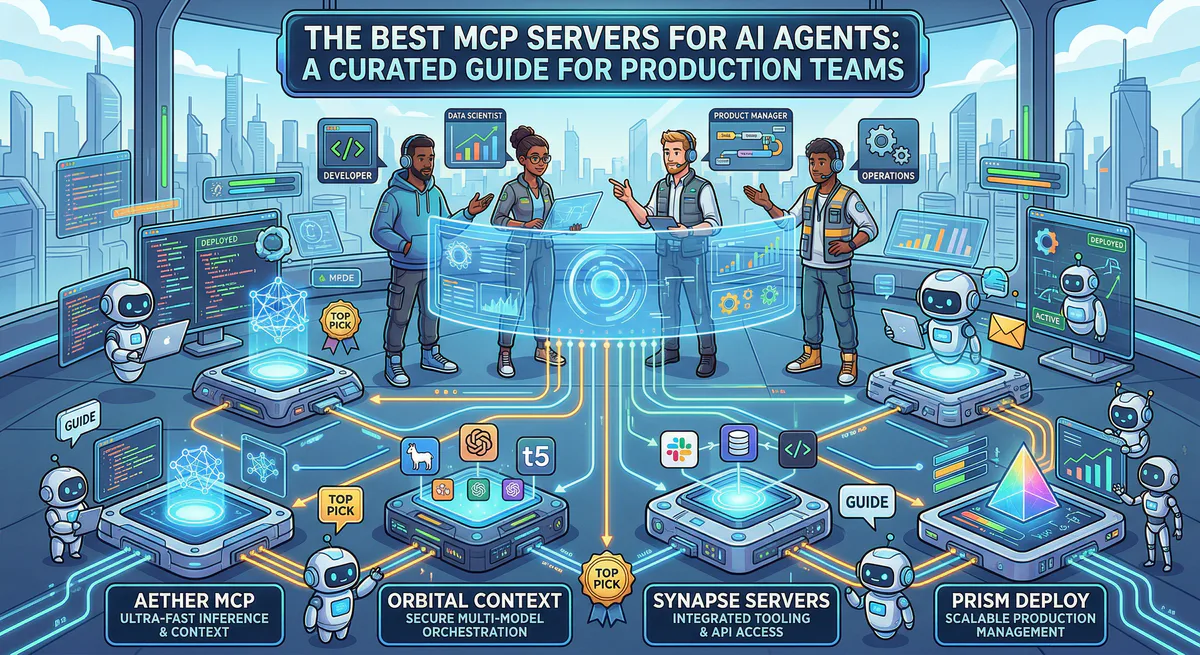
Finding the right MCP servers shouldn’t require scrolling through unvetted GitHub repositories and hoping the code doesn’t contain a reverse shell.
We maintain one of the largest curated registries of production-ready MCP servers — every one of them governed by our managed gateway with built-in DLP, audit logging, and credential isolation. This guide covers the servers that production teams actually use, organized by what they do.
Developer Tools & DevOps
GitHub MCP Server — The most requested MCP server in the ecosystem, full stop. Your AI agent can manage repositories, create and review pull requests, search code, manage issues, and trigger workflows. If you’re building developer-facing agents, this is the first server you install.
Postman MCP Server — Gives your agent direct access to your API collections, environments, and test runs. Instead of manually exporting Postman collections and feeding them into context, the agent queries them live.
Vercel MCP Server — Deploy previews, check build logs, manage domains, and monitor serverless function performance — all from natural language. Particularly powerful when combined with the GitHub server for end-to-end CI/CD workflows.
Bitbucket MCP Server — For teams that run on Atlassian’s stack. Repository management, pull request workflows, and pipeline integrations, governed through our gateway.
Databases & Data Infrastructure
Supabase (PostgreSQL) MCP Server — Connects your agent directly to PostgreSQL through Supabase’s managed infrastructure. Run queries, manage tables, and inspect schemas without writing database adapter code.
MongoDB Atlas MCP Server — Full Atlas integration including vector search capabilities. Your agent can query collections, run aggregation pipelines, and perform semantic searches across your document store.
BigQuery MCP Server — For teams running analytics on Google Cloud. The agent writes and executes BigQuery SQL, pulls results, and feeds them into downstream analysis — all governed by our DLP pipeline so sensitive data never leaks into the model’s context.
Snowflake MCP Server — Enterprise data warehouse access with proper credential isolation. Query Snowflake datasets without exposing warehouse credentials to the AI model.
Redis MCP Server — Cache management, session inspection, and key-value operations. Useful for agents that need to manage application state or perform fast lookups against shared caches.
CRM, Sales & Marketing
Salesforce MCP Server — The enterprise CRM integration. Your agent can query accounts, update opportunities, manage contacts, and run SOQL queries against your Salesforce org. Combined with our audit trail, every agent-initiated CRM mutation is cryptographically logged.
HubSpot MCP Server — Full CRM access: contacts, deals, companies, tickets, and email engagement tracking. Build agents that automatically update deal stages, enrich contacts, or generate pipeline reports from natural language.
Pipedrive MCP Server — Lightweight CRM integration focused on deal flow automation. Your agent manages pipelines, updates deal values, and tracks activities without manual data entry.
Project Management & Productivity
Jira MCP Server — Manage projects, search issues, create tickets, update statuses, and track sprints. One of the highest-usage servers on our platform because it eliminates the constant context-switching between AI assistants and project boards.
Notion MCP Server — Search pages, query databases, create and update blocks. Your agent becomes a first-class Notion citizen — reading knowledge bases, updating project trackers, and managing documentation without a browser tab.
Linear MCP Server — For teams that prefer Linear’s streamlined project management. Issue creation, cycle tracking, and project queries through natural language.
Asana MCP Server — Task management, project tracking, and workflow automation. The agent creates tasks, updates due dates, and manages sections across your Asana workspace.
ClickUp MCP Server — Multi-workspace project management with spaces, folders, lists, and custom fields. Covers the complete ClickUp API surface through governed MCP tools.
Payments & E-Commerce
Stripe MCP Server — Manage customers, create payment links, query subscriptions, handle invoices, and process refunds. Because financial operations carry the highest risk, this server runs behind our strictest DLP and semantic classification rules — destructive mutations require explicit approval.
Shopify MCP Server — Product catalog management, order tracking, inventory updates, and storefront configuration. Build agents that manage your entire e-commerce operation from a messaging interface.
PayPal MCP Server — Transaction queries, payment processing, and dispute management through the PayPal REST API, governed by our financial circuit breakers.
Square MCP Server — Point-of-sale integrations, catalog management, and payment processing for businesses running on the Square ecosystem.
Observability & Monitoring
Datadog MCP Server — Query application metrics, search logs, list active monitors, and manage dashboards. Your agent becomes an on-call engineer that can triage alerts and surface relevant data without a human opening the Datadog console.
Sentry MCP Server — Error tracking and performance monitoring. The agent queries recent exceptions, identifies regression patterns, and can correlate error spikes with recent deployments when paired with the GitHub server.
Grafana MCP Server — Dashboard queries, alert management, and datasource exploration. Connects your agent to the entire Grafana observability stack.
PagerDuty MCP Server — Incident management, on-call schedule queries, and alert acknowledgment. Build agents that handle first-response triage and escalation automatically.
AI, Vector Search & Memory
Pinecone MCP Server — The most popular vector database integration on our platform. Your agent can upsert embeddings, run similarity searches, and manage indexes. Essential for RAG pipelines and long-term agent memory.
Qdrant MCP Server — High-performance vector search with advanced filtering. Build agents with persistent semantic memory that can recall past interactions and retrieve contextually relevant information.
Weaviate MCP Server — Multi-modal vector database with hybrid search (vector + keyword). Supports agents that work with text, images, and multi-modal embeddings.
Mem0 MCP Server — Purpose-built for agent memory management. Stores and retrieves structured memories across agent sessions, enabling continuity in long-running workflows.
Search & Web Data
Firecrawl MCP Server — Production-grade web scraping and crawling. Your agent extracts structured data from any website, converts pages to markdown, and processes entire site maps.
Perplexity AI MCP Server — Real-time web search powered by Perplexity’s AI-native search engine. Your agent gets access to current, cited search results instead of relying on stale training data.
Apify MCP Server — Run pre-built scraping actors, manage datasets, and automate web data extraction pipelines at scale.
Files & Documents
Google Drive MCP Server — Search, read, create, and organize files across your Google Drive. The agent accesses documents, spreadsheets, and presentations without requiring manual file uploads to the context window.
Notion MCP Server — Double-featured because Notion serves as both a productivity tool and a document management system. Your agent reads and writes documentation, manages wikis, and queries databases.
Dropbox MCP Server — File management, sharing, and search across your Dropbox workspace.
Confluence MCP Server — For Atlassian-native teams. Your agent searches knowledge bases, creates pages, and manages spaces.
Security & Identity
Okta MCP Server — User management, group administration, and authentication policy queries. Build agents that handle routine IAM operations under strict governance.
Snyk MCP Server — Vulnerability scanning and dependency security analysis. Your agent queries known vulnerabilities in your codebase and surfaces remediation guidance.
Auth0 MCP Server — User management, tenant configuration, and authentication log analysis through the Auth0 Management API.
Code Execution & Infrastructure
E2B MCP Server — Secure, sandboxed code execution in the cloud. Your agent writes code and runs it in an isolated environment — no risk to your local machine. Critical for agents that need to validate their own output.
Cloudflare MCP Server — DNS management, Workers deployment, and edge configuration. Manage your entire Cloudflare infrastructure through natural language.
Why a Managed Registry Matters
Every server listed above is available as a one-click subscription on our platform. That distinction matters for three reasons:
You don’t manage credentials locally. When you subscribe to an MCP server through our gateway, OAuth tokens and API keys are stored in our encrypted vault. The AI agent never sees raw secrets. If the agent is compromised through prompt injection, your credentials are safe.
Every tool call is audited. Our gateway logs every action the agent takes — what tool was called, with what parameters, at what time, by which token. You get a forensic-grade, hash-chained audit trail that satisfies SOC 2 requirements.
Destructive actions are blocked by default. Our semantic classification engine inspects every tool call before execution. If an agent tries to delete a production database or exfiltrate PII, the gateway kills the request at the edge.
You get the full power of the MCP ecosystem. We handle the security, the governance, and the maintenance.
Ready to connect your AI agents? Browse the full App Catalog or create a free account to start subscribing to managed MCP servers in under two minutes.
Your agents need tools. We make them safe.
Pick an MCP server from the catalog. Subscribe. Copy the URL. Paste it into Claude, Cursor, or any client. One URL — DLP, audit trail, and kill switch included.
V8 sandbox isolation · Semantic DLP · Cryptographic audit trail · Emergency kill switch