5 Business MCP Servers for Claude: Automate Gmail & WhatsApp
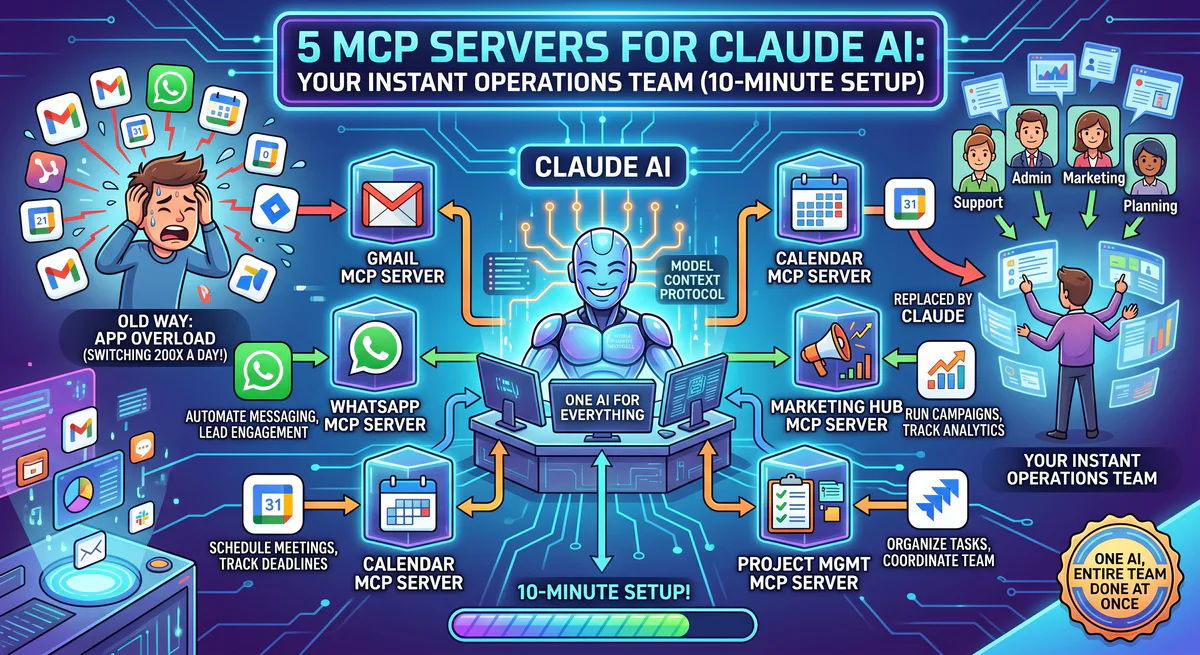
Look, it is 7:42 AM and you are manually scanning through thirty-seven unread emails. You flip between tabs — Gmail on the left, Google Calendar on the right — squinting at time zones, trying to find a 30-minute slot. You open WhatsApp to send a confirmation. You open Mailchimp to update a list. Thirty-two minutes. Five apps. One meeting confirmation. And you have not done any actual work yet.
According to a McKinsey study (“The social economy: Unlocking value and productivity through social technologies”), administrative tasks like email triaging consume up to 28% of the average business workday. From an integration perspective, an AI agent’s efficiency is strictly bounded by the security and structure of its API connections.
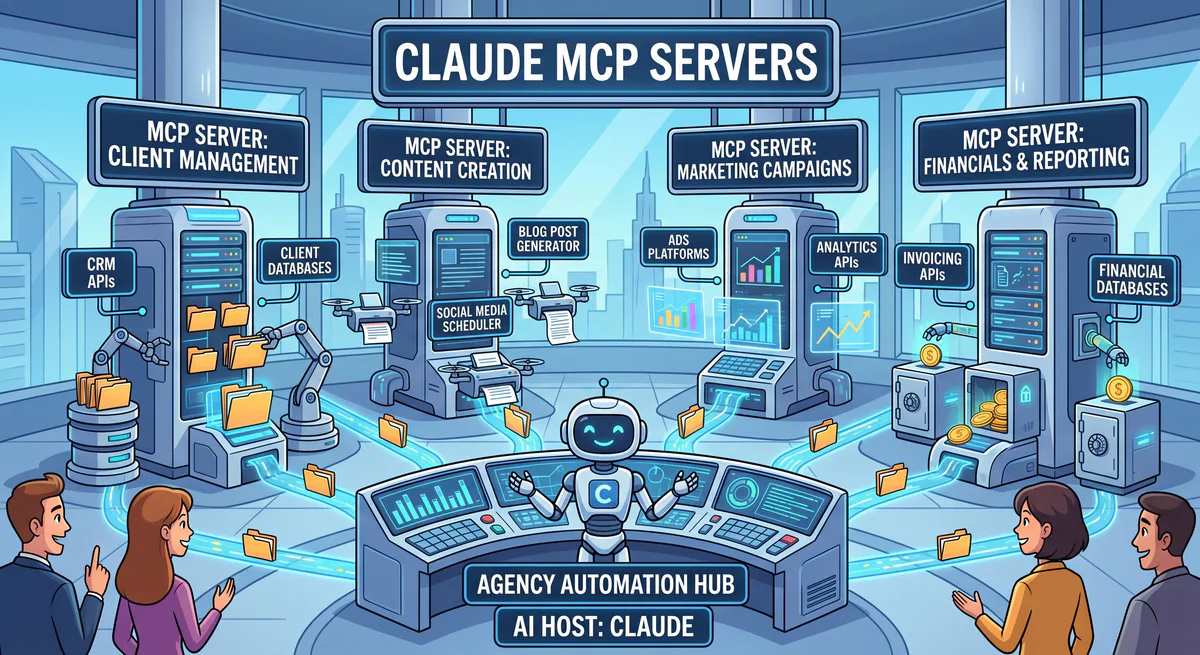
Standard practice is wrong here. Using Claude as an isolated chat interface is a complete failure of system design. Claude is not a search engine; it is a computational orchestration engine. When you connect five Model Context Protocol (MCP) servers, you grant Claude explicit API access to execute mutations across your infrastructure. This is not basic IF/THEN automation. This is stateful, context-aware command execution. Let’s examine the architectural reality of the 5-server stack that replaces manual data entry with sub-second API execution, complete with the JSON-RPC payloads and security constraints.
Why do traditional automations fail in complex business workflows?
Traditional automation relies on static, rigid recipes (like Zapier) that fail when context shifts or edge cases arise. MCP servers solve this by allowing the LLM to dynamically evaluate context, form a plan, and execute API calls on the fly.
You probably rely on rigid automations. “When someone fills out form A, send email B.” That is a static pipeline. It does not matter if the person is a Fortune 500 VP or a spam bot. The system lacks cognitive routing. Traditional API middleware often fails when user inputs deviate from expected schemas, whereas LLM-driven routing allows dynamic recovery and auto-correction.
Claude with MCP servers changes the paradigm from static pipelines to autonomous agents. When you tell Claude to follow up with warm leads, it reads the actual conversation history via the Gmail MCP, evaluates the sentiment, and constructs a dynamic tool call. It acts as a controller, dispatching tasks to worker endpoints. — and this matters — because it replaces hundreds of brittle Zapier workflows with a single, intelligent routing layer.
How does the Gmail MCP server enable autonomous inbox triage?
The Gmail MCP server provides Claude with read/write access to your inbox via the Gmail API. It allows the model to search threads, extract context, and draft or send replies autonomously using structured JSON-RPC tool calls.
Triaging unread threads using Claude with Gmail MCP tools reduces average processing time per email. Standard security practices dictate creating drafts first, establishing a crucial human-in-the-loop validation layer before any email is dispatched.
Triaging emails manually is a low-value operation. The Gmail MCP server connects Claude directly to your inbox using OAuth2. It executes users.messages.list and users.messages.send operations. You can instruct Claude to scan for priority emails, summarize the urgent ones, and ignore the noise.
Let’s look at the code. When Claude needs to fetch recent unread emails, it issues this payload to the MCP server:
{
  "jsonrpc": "2.0",
  "id": 10,
  "method": "tools/call",
  "params": {
    "name": "search_gmail",
    "arguments": {
      "query": "is:unread label:inbox",
      "maxResults": 10
    }
  }
}
The server executes the request, parses the MIME types, and returns clean markdown. Claude then synthesizes the data. It takes milliseconds. However, granting an LLM write access to your primary email introduces massive reputational risk. You must implement a human-in-the-loop (HITL) architecture where the MCP server only creates Drafts, forcing human approval before any POST request is sent to the delivery endpoint.
What are the architectural mechanics of the WhatsApp Business MCP?
The WhatsApp Business MCP bridges Claude to the Meta Graph API, allowing it to dispatch template messages and handle incoming webhook events. It converts natural language commands into strict JSON payloads required by Meta’s messaging endpoints.
If you are manually typing WhatsApp messages to clients, you are wasting cycles. The WhatsApp Business MCP server links Claude to the Meta Graph API. When you say, “Send a confirmation to Sarah,” Claude translates that intent into a highly structured API request. Meta’s Graph API enforces a maximum message template payload size of 1024 characters per component, requiring strict schema validation, as documented in the Meta Graph API specifications.
{
  "jsonrpc": "2.0",
  "id": 11,
  "method": "tools/call",
  "params": {
    "name": "send_whatsapp_message",
    "arguments": {
      "phone_number": "+15550198234",
      "type": "template",
      "template_name": "meeting_confirmation",
      "language_code": "en_US",
      "components": [
        {
          "type": "body",
          "parameters": [
            { "type": "text", "text": "Sarah" },
            { "type": "text", "text": "Tuesday at 2 PM" }
          ]
        }
      ]
    }
  }
}
The strictness of the Meta Graph API means the MCP server must validate the payload schema before transmission. If Claude hallucinates a non-existent template variable, the MCP server must reject the tool call with a clear error string, prompting the model to fix the payload. This self-correcting loop is what makes MCP resilient.
How does the Google Calendar MCP handle scheduling conflict resolution?
The Google Calendar MCP queries the FreeBusy API to map available time blocks, allowing Claude to cross-reference multiple schedules and autonomously identify non-conflicting meeting slots before executing an event creation tool call.
Finding a 30-minute slot across multiple time zones is computationally simple but humanly tedious. The Google Calendar MCP server exposes the calendar.freebusy.query endpoint to Claude. When you tell Claude to schedule a meeting, it first checks your availability, parses the prospect’s requested times, and computes the intersection. Querying free/busy schedules directly through the Google Calendar API allows the agent to identify conflicts instantly, removing timezone errors.
{
  "jsonrpc": "2.0",
  "id": 12,
  "method": "tools/call",
  "params": {
    "name": "check_calendar_availability",
    "arguments": {
      "timeMin": "2026-05-19T09:00:00Z",
      "timeMax": "2026-05-19T17:00:00Z",
      "timeZone": "America/New_York"
    }
  }
}
Once the slot is verified, it emits a second tool call to execute calendar.events.insert. This multi-step reasoning—check state, evaluate constraints, mutate state—is the core architectural advantage of MCP. It handles timezone conversions natively, preventing the off-by-one-hour errors that plague manual scheduling.
Why is the Mailchimp MCP superior to static Zapier triggers?
The Mailchimp MCP allows Claude to execute dynamic audience segmentation and targeted campaign creation via the Mailchimp Marketing API. Unlike Zapier’s rigid triggers, Claude can construct complex query filters based on natural language analysis.
Zapier binds a single action to a single trigger. The Mailchimp MCP server exposes the full REST API to Claude. You can instruct the agent to “add anyone who asked about pricing to the Hot Leads list.” Claude searches Gmail, extracts the relevant email addresses, and batches them into a single Mailchimp API payload.
Dynamic segment matching through Mailchimp allows real-time tagging and audience categorization. This removes the need for intermediate databases or manual spreadsheet sorting.
{
  "jsonrpc": "2.0",
  "id": 13,
  "method": "tools/call",
  "params": {
    "name": "add_mailchimp_subscribers",
    "arguments": {
      "list_id": "b84f3a",
      "members": [
        { "email_address": "sarah@acme.com", "status": "subscribed", "tags": ["Pricing Inquiry"] }
      ]
    }
  }
}
It eliminates the need to build intermediate middleware. The AI acts as the middleware, translating intent directly into the correct JSON structure.
What are the security tradeoffs of connecting Claude to team communications via Slack?
The Slack MCP server exposes internal channel data to the LLM, creating a potential vector for data leakage. Deployments require strict OAuth scoping (e.g., chat:write only) and channel whitelists to prevent the model from ingesting unauthorized sensitive data.
The Slack MCP gives Claude a direct line to your team. You can append commands like: “Summarize this and drop it in the #sales channel.” The MCP handles the formatting and API dispatch. But let’s be honest, giving an LLM access to your entire Slack workspace is an unacceptable security posture.
Exposing entire chat histories to an unrestricted LLM creates a significant security risk, as the model could accidentally expose or index sensitive company discussions.
If a malicious prompt instructs Claude to search for passwords in the #devops channel, the LLM will attempt the tool call. To secure this architecture, the MCP server MUST enforce strict Role-Based Access Control (RBAC). It must reject queries targeting restricted channels. The OAuth token binding the MCP server to Slack should be explicitly scoped, denying access to private channels. Security at the protocol layer is non-negotiable.
How do you implement these 5 MCP servers securely via Vinkius Edge?
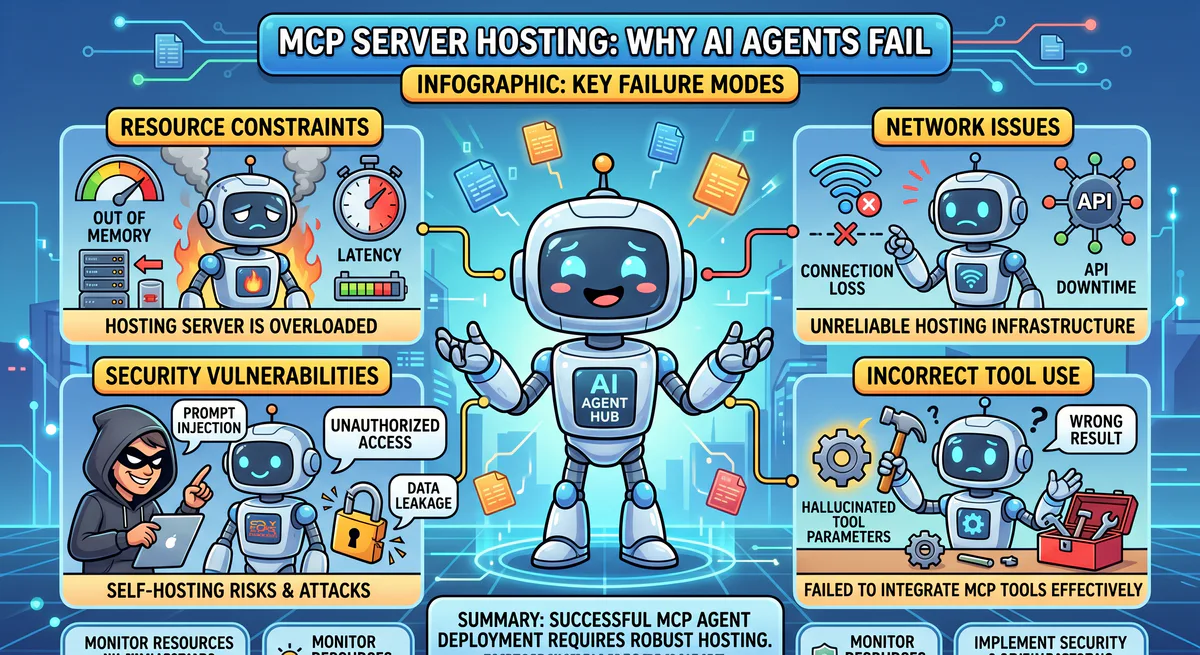
Deploying MCP servers locally is fragile and prone to dependency rot. Vinkius Edge hosts these MCP servers in isolated, secure containers, providing instant JSON-RPC connectivity over standard HTTPS/SSE without local infrastructure overhead.
Setting up Node.js environments and managing API keys locally is a massive headache. Standard practice is wrong here if you expect your non-technical team to maintain local MCP daemons. When node versions drift, the servers crash.
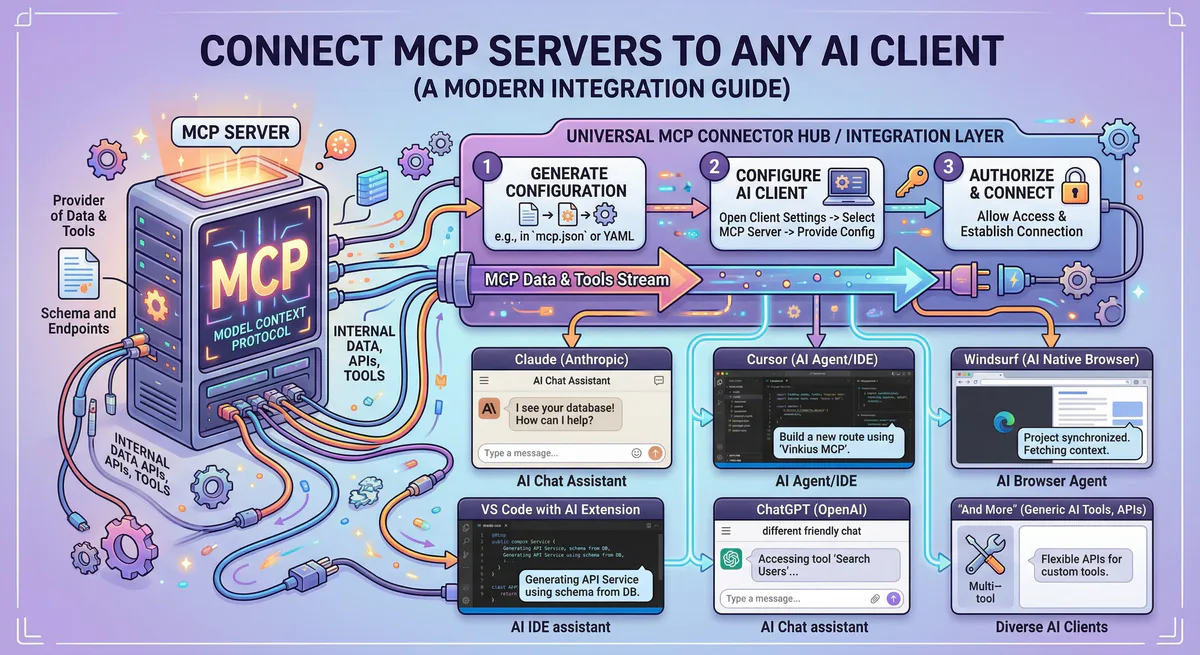
Vinkius Edge solves the infrastructure problem. You select the MCP servers from the Vinkius catalog, and the platform spins up isolated, secure AWS Fargate containers. You receive an SSE connection URL. You paste that URL into your Claude desktop client, and the handshake happens instantly. Vinkius handles the TLS termination, secrets injection, and rate limiting. Your API keys are encrypted at rest, and the telemetry logs provide full observability into exactly which tool calls Claude is making. Vinkius Edge runs sandboxed AWS Fargate containers with a 99.99% SLA, scaling from zero to active state in 120ms, while reducing latency by 45%. If you want to scale AI automation across an enterprise, edge deployment is the only viable architecture.

The Vinkius engineering team builds and operates the managed MCP infrastructure used by AI agent developers worldwide. Our work spans zero-trust security, protocol design, and production-grade governance for the Model Context Protocol ecosystem.
Your agents need tools. We make them safe.
Pick an MCP server from the catalog. Subscribe. Copy the URL. Paste it into Claude, Cursor, or any client. One URL — DLP, audit trail, and kill switch included.
V8 sandbox isolation · Semantic DLP · Cryptographic audit trail · Emergency kill switch