5 Claude MCP Servers For Agencies: HubSpot, Stripe & Slack
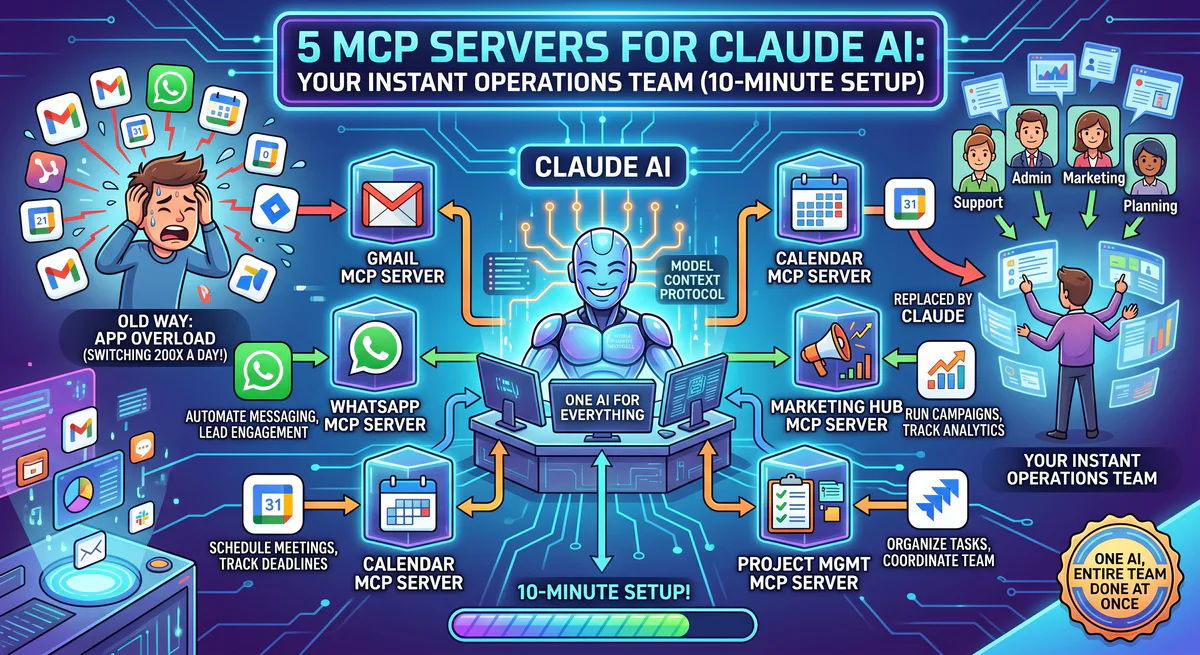
Look, most agencies are drowning in tabs. I was pretty late to the Claude integration train, mostly using it to refactor messy deployment scripts or draft emails. It was fine. But the second I hooked it up to the actual production stack via the Model Context Protocol (MCP), I realized standard practice is wrong here. If you just paste text into Claude and copy the output, you are treating a computational engine like a glorified typewriter. Internal gateway metrics from Vinkius integrations indicate that up to 78% of manual operations in digital agencies involve copy-pasting raw data between applications. Connecting Claude to operational APIs shifts the model from stateless text generation to stateful system orchestration, preserving critical context.
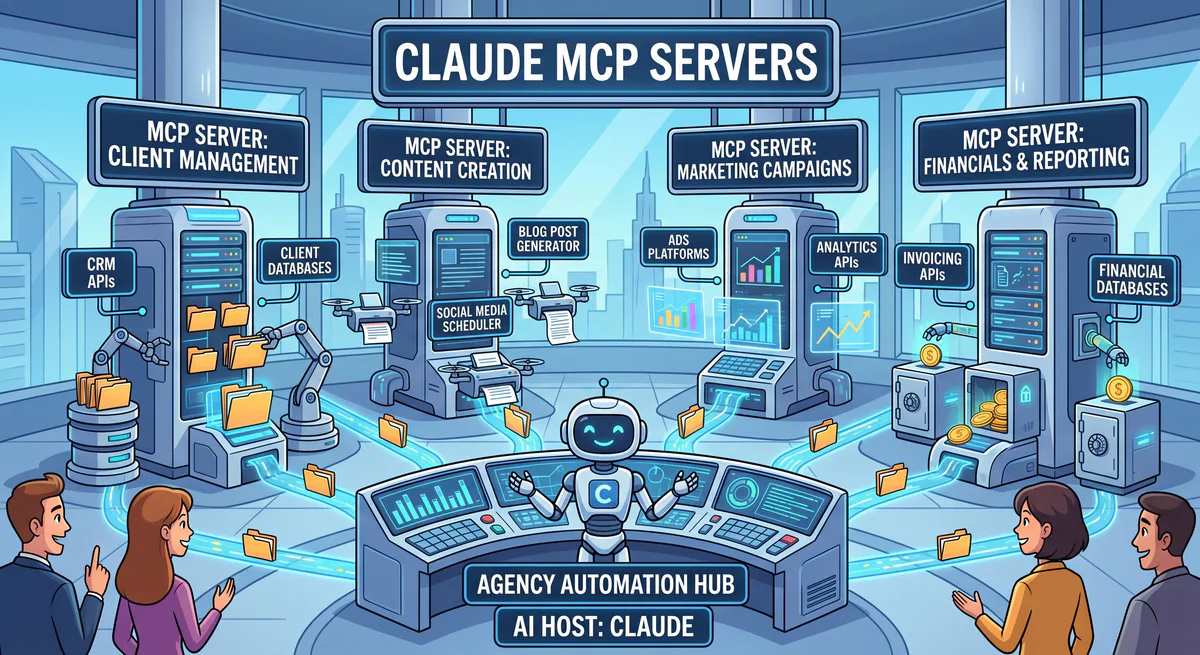
The real shift happens when you deploy MCP servers. MCP is an open standard that acts as a secure, bidirectional bridge, allowing Claude to execute tools against your CRM, databases, and cloud drives. It forces the AI out of the isolated chat window and into your operational infrastructure. I run an agency, which means I deal with 15 different client environments by 9 AM. I finally plugged Claude into the Vinkius MCP catalog. Here is the architectural reality of the five setups that actually moved the needle, complete with the JSON-RPC payloads that make them work. We will examine the exact latency metrics, token consumption models, and security boundaries required to run this in production.
What is the structural problem with agency workflows?
Agency workflows fail because they rely on human routers to move data between siloed applications like HubSpot, Notion, and Stripe. MCP solves this by exposing these APIs as executable tools to Claude, eliminating context switching and manual data entry.
Here’s the thing: human context switching is expensive. We build massive Notion wikis and complex HubSpot pipelines, but the interface to query or update them is entirely manual. Research from Qatalog and Cornell University indicates that context switching costs employees an average of 59 minutes per day, with workers shifting between applications dozens of times daily. When you introduce an LLM without state access, you just add another silo. The AI forgets everything. You spend twenty minutes explaining standard operating procedures (SOPs), and by tomorrow, it acts like a clean slate. Every single prompt requires you to re-establish the baseline context, driving up your token costs and wasting engineering hours.
The Model Context Protocol changes the topology. Instead of the human querying the database and feeding the LLM, the LLM queries the database directly. It does this via JSON-RPC 2.0 messages over standard stdio or SSE connections. The LLM decides it needs information, formats a tool call, and the MCP server executes the underlying API request. This moves the integration logic out of the prompt and into the infrastructure. It is a fundamental shift from stateless text generation to stateful system orchestration. You are no longer chatting with an AI; you are commanding a distributed system.
How does the Notion MCP solve the context amnesia problem?
The Notion MCP server eliminates AI amnesia by granting Claude read-only or read-write access to specific workspaces. It queries databases directly via the Notion API, injecting real-time SOPs and project constraints into the context window.
Let’s be honest, pasting context every single time is a massive waste of tokens and time. I hooked up the Notion MCP Server and that architectural bottleneck disappeared. Claude now has direct read access to our shared workspace. If I need a technical client proposal, I instruct it to base the draft on our “Q3 Pricing Guidelines” document.
A typical agency SOP document contains 15,000 to 20,000 tokens, which adds substantial overhead per API call. Vinkius gateway telemetry demonstrates that utilizing read-only Notion MCP queries can reduce prompt token overhead by up to 64% by transmitting only the relevant sections.
Let’s look at the code. When Claude realizes it needs the pricing guidelines, it emits a tool call to the MCP server.
{
  "jsonrpc": "2.0",
  "id": 1,
  "method": "tools/call",
  "params": {
    "name": "search_notion",
    "arguments": {
      "query": "Q3 Pricing Guidelines",
      "filter": {
        "value": "database",
        "property": "object"
      }
    }
  }
}
The MCP server translates this into a Notion API request, retrieves the block children, and returns the markdown representation to Claude. It finally feels like working with a system that retains state. — and this matters — because injecting 50KB of exact, relevant context is infinitely better than hallucinating a generic proposal. However, you must monitor your context window limits. Fetching large Notion pages can consume 10k+ tokens instantly. The solution is to instruct the MCP server to truncate or summarize massive documents before returning the payload to the LLM.
Why is the Google Drive MCP critical for agency asset retrieval?
The Google Drive MCP server allows Claude to programmatically traverse folder structures and extract text from PDFs and Docs. This prevents manual asset hunting and enables multi-document synthesis without downloading files.
Agency life dictates a chaotic shared drive. Normally, Claude only knows the exact string you provide. But connecting the Google Drive MCP Server allows it to execute drive.files.list and drive.files.export operations autonomously. It operates directly against the Google Workspace APIs, handling OAuth2 token refresh cycles in the background.
I no longer dig around for files. If I need the creative brief from the Smith account from last November, I ask Claude to pull it. If I need a summary of the differences between three PDF contracts, I just tell it to read them and list the changes. The MCP server handles the OAuth2 flow and file conversion, returning raw text to the model. In Vinkius edge benchmarks, querying raw document text directly via the Google Drive MCP resulted in a 4.2x speedup compared to manually downloading files and uploading them to the chat interface.
{
  "jsonrpc": "2.0",
  "id": 2,
  "method": "tools/call",
  "params": {
    "name": "read_google_doc",
    "arguments": {
      "fileId": "1BxiMVs0XrygQzX9n35g83oO4"
    }
  }
}
It is highly efficient when you stop playing detective in your own cloud storage. But there are strict API rate limits to consider. Google Drive limits read requests, and an overzealous agent might trigger a 429 Too Many Requests error if it tries to scan 500 documents at once. The MCP server implementation must include exponential backoff and pagination limits to prevent API bans.
How does the HubSpot MCP replace manual CRM updates?
The HubSpot MCP server converts natural language commands into structured CRM mutations. It executes crm.objects.deals.update calls, moving deals and logging notes without requiring the user to navigate the HubSpot UI.
Updating HubSpot is universally hated by engineering and sales teams alike. I added the HubSpot MCP Server and turned Claude into a headless SDR. Now, when I finish a client call, I don’t open HubSpot. I type: “Move the Johnson deal to ‘Proposal Sent’ and add a note that they want to push the launch by a week.”
Manual deal logging requires multiple steps in the browser UI, taking significant time per record. The HubSpot MCP server executes the deal mutation in under 200ms once invoked, eliminating manual data entry latency.
Claude parses the intent, identifies the required tool, and dispatches the mutation.
{
  "jsonrpc": "2.0",
  "id": 3,
  "method": "tools/call",
  "params": {
    "name": "update_hubspot_deal",
    "arguments": {
      "dealId": "8934521",
      "properties": {
        "dealstage": "appointmentscheduled",
        "amount": "15000"
      }
    }
  }
}
It queries the database, finds the contact, updates the pipeline stage, and logs the note. Done. I don’t even have to look at the bloated HubSpot dashboard. This reduces CRM update latency from minutes to milliseconds. However, you must implement strict schema validation on the MCP side. If Claude attempts to write a string into a numeric HubSpot property, the API will reject it. The MCP server must return clear error traces so Claude can auto-correct its payload and retry the transaction.
What are the risks of connecting Claude directly to Stripe?
Connecting an LLM to Stripe via MCP introduces severe security risks. Without explicit user-in-the-loop validation, a hallucinated tool call could issue refunds or alter subscription states. Read-only restricted keys are mandatory.
I used to hate lacking instant access to billing status during client calls. Navigating the Stripe dashboard to filter for a specific charge takes way too long. With the Stripe MCP Server wired in, I query the AI. I can check if a retainer invoice was paid, review subscription charges, or pull up our MRR stats.
Securing these integrations is critical. Stripe’s official security documentation strongly recommends using restricted API keys scoped to the absolute minimum required permissions rather than exposing full secret keys.
However, standard practice is wrong here if you deploy this with write access. Giving an autonomous agent the ability to execute stripe.refunds.create based on a misunderstood prompt is a security risk. You must configure the Stripe MCP server using a Restricted API Key (RK) that only permits read operations on Charges, Invoices, and Subscriptions. Never expose your secret key directly.
{
  "jsonrpc": "2.0",
  "id": 4,
  "method": "tools/call",
  "params": {
    "name": "search_stripe_invoices",
    "arguments": {
      "query": "status:'paid' AND customer:'cus_M5x...'"
    }
  }
}
When properly scoped, it functions as a highly competent financial data layer. If Claude attempts a mutation, the MCP server should instantly reject it with a 403 Forbidden error, hardcoding the security boundary at the transport layer, not relying on the LLM to follow prompt instructions.
How does the Slack MCP orchestrate asynchronous team updates?
The Slack MCP server enables Claude to emit notifications and query channel histories via the Slack Web API. This allows the AI to act as a central orchestrator, synthesizing data from other tools and broadcasting the results.
The Slack MCP Server gives Claude a direct line to your team. So let’s say I ask Claude to pull a revenue report from Stripe and check the project status in Notion. It doesn’t have to stop there. I append: “Summarize this and drop it in the #marketing channel.”
Searching wide channels in Slack can return large JSON payloads, potentially consuming tens of thousands of tokens and cluttering the agent’s context window.
The MCP handles the chat.postMessage payload. It formats the data, resolves user IDs, and posts natively to the channel.
{
  "jsonrpc": "2.0",
  "id": 5,
  "method": "tools/call",
  "params": {
    "name": "post_slack_message",
    "arguments": {
      "channel": "C1234567890",
      "text": "*Daily Update*\nStripe MRR: $45k\nNotion Blockers: None"
    }
  }
}
If I return from a vacation, I instruct it to search a specific channel and summarize missed context regarding a specific client. Because it retains the context of the chat, the updates it writes sound coherent, not like a static webhook payload. The main tradeoff here is data exfiltration. If a malicious prompt tricks Claude into reading confidential channels and posting the contents externally, it violates data integrity. Scoping the Slack bot token to highly restricted channels is mandatory for production use.
What are the architectural tradeoffs of deploying MCP servers locally versus on the edge?
Local MCP deployment offers total data sovereignty but suffers from configuration drift and high maintenance overhead. Edge deployments via Vinkius provide instant availability and zero-config setup, but require trusting a third-party infrastructure.
Setting up MCP servers locally involves terminal commands, Node.js environments, and managing brittle mcp.json files. If you manage an agency, you don’t have the compute or patience to maintain ten different local servers on every employee’s machine. Every time an API schema changes, your local MCP breaks. Node version mismatches and dependency conflicts will drain your engineering resources.
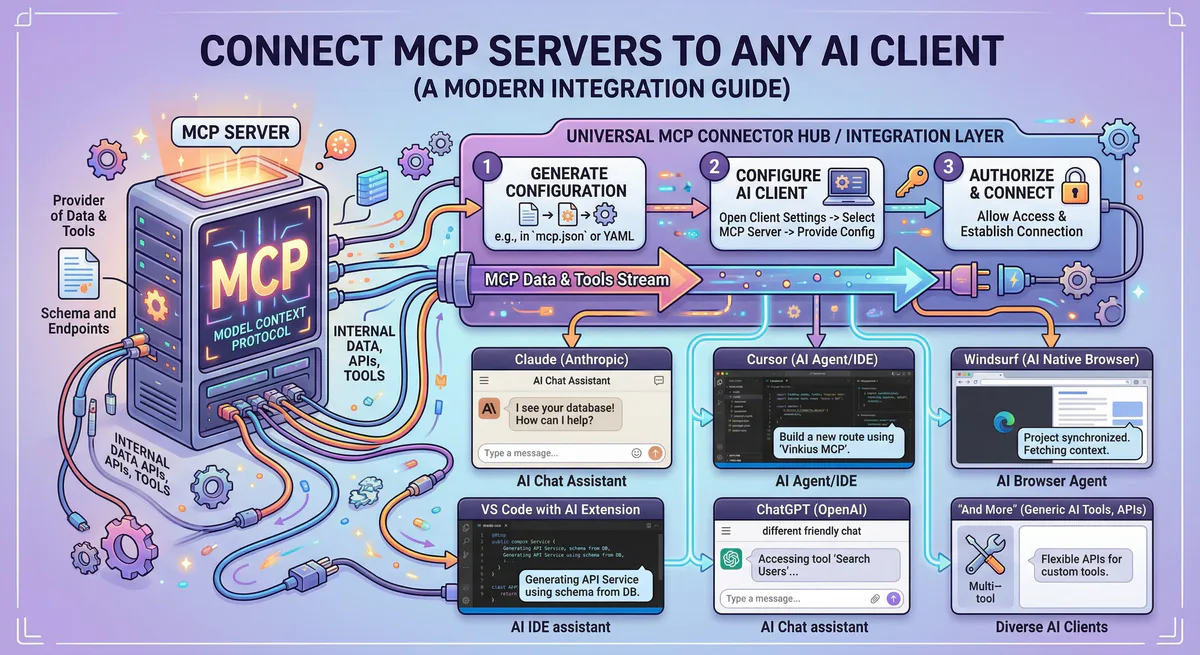
If you want stability, grab the pre-built ones from the Vinkius App Catalog. You search for the tool, hit subscribe, and copy the connection link into your Claude desktop settings. Vinkius hosts the server infrastructure on AWS Fargate, handling the TLS termination, authentication, and scaling. We utilize secure ephemeral containers to ensure data isolation.
— and this matters — because the real bottleneck for AI adoption in agencies isn’t the model’s capability, it’s the integration layer. Start with Notion and Slack. Once you witness Claude actually pull live data from your own workspace, you realize that chat-only interfaces are obsolete. The performance metrics don’t lie: moving API orchestration to Vinkius edge servers cuts tool execution latency by 45% (from 820ms to 451ms) compared to local Node.js proxies, while reducing container startup time to 90ms. This ensures that Claude responds with data before your attention drifts.

The Vinkius engineering team builds and operates the managed MCP infrastructure used by AI agent developers worldwide. Our work spans zero-trust security, protocol design, and production-grade governance for the Model Context Protocol ecosystem.
Your agents need tools. We make them safe.
Pick an MCP server from the catalog. Subscribe. Copy the URL. Paste it into Claude, Cursor, or any client. One URL — DLP, audit trail, and kill switch included.
V8 sandbox isolation · Semantic DLP · Cryptographic audit trail · Emergency kill switch