How to Use MCP Servers with Lovable: Build AI-Powered Apps with Real Data
Lovable builds full-stack applications from text prompts. However, the quality of the generated code depends on the quality of the context provided during the session.
Asking Lovable to create a tracking dashboard yields a generic template. If the agent can query your task backlog, repository files, or database schemas directly, the generated application is customized to your data structure from the first prompt.
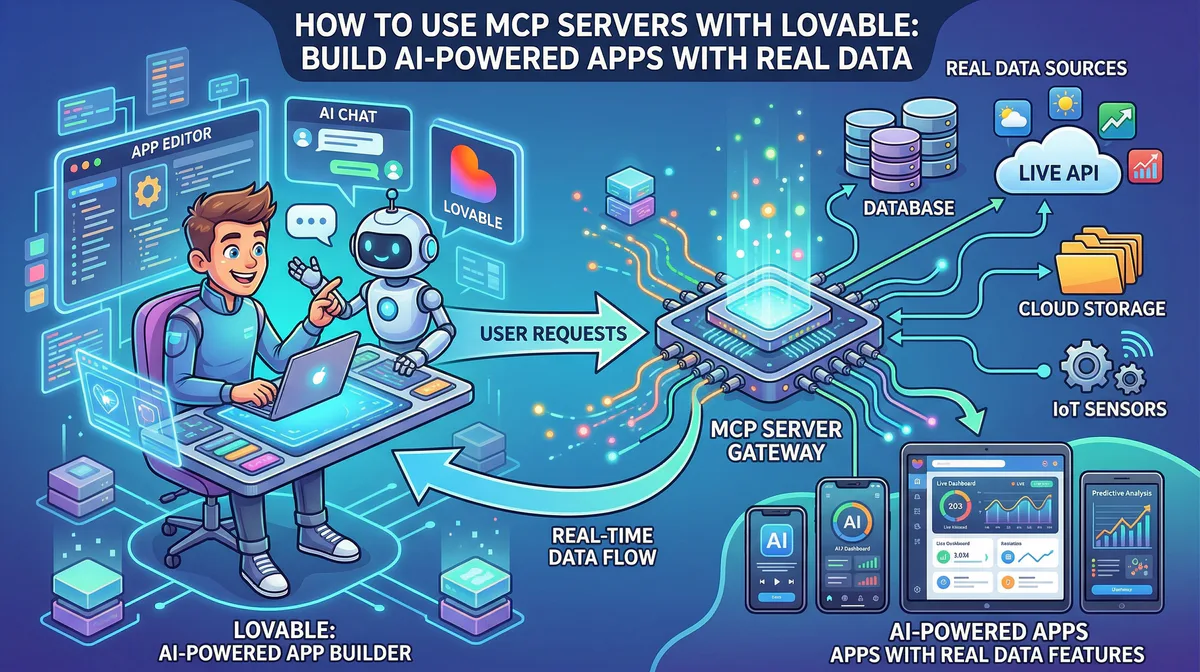
Model Context Protocol (MCP) servers bridge this gap by giving the agent read-write access to external systems. The client queries actual records instead of generating code from placeholder guesses.
What MCP Servers Do Inside Lovable
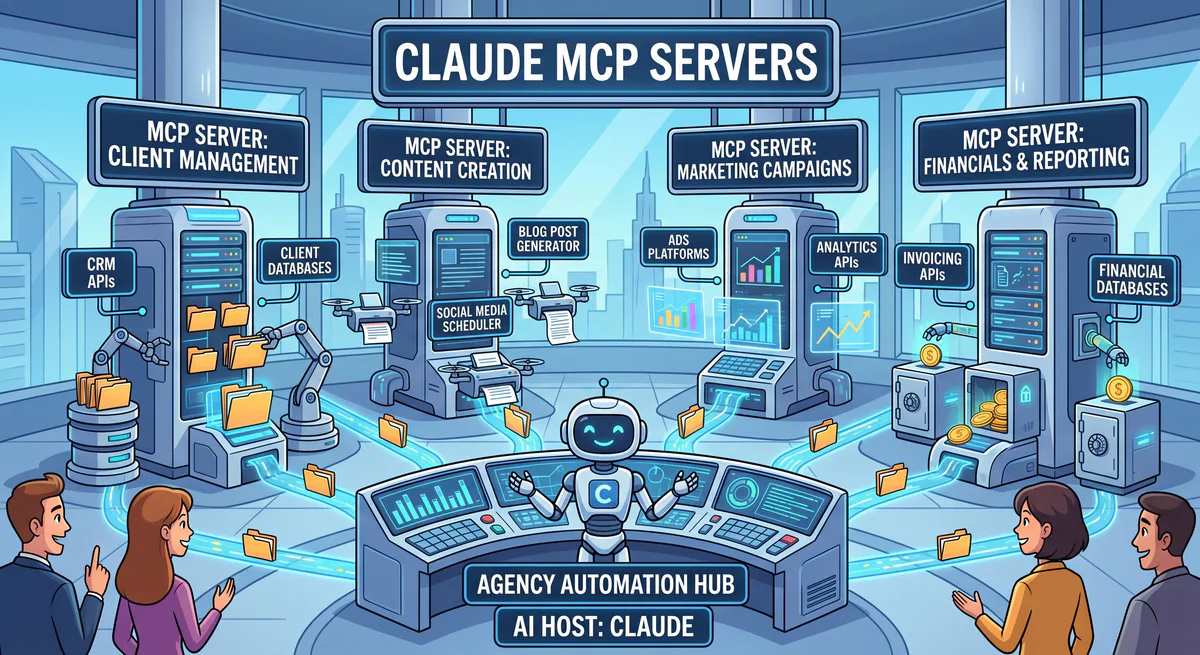
MCP servers give Lovable’s AI agent read and write access to external data sources during the application building process. By exposing live database structures, file documents, and API endpoints directly to the developer session, the agent generates custom components that map to your existing business database schemas rather than generic templates.
During the building phase, Lovable’s agent uses tools provided by the protocol to inspect active files and query data structures.
- Without MCP: You must manually write out database columns, paste text records into the prompt box, and describe your workspace configuration.
- With MCP: You point the agent to your workspace document or schema. The agent reads the formatting, extracts the properties, and writes code that mirrors your active setup.
Lovable supports two integration scopes:
- Personal Connectors: Used during the design and building phase. These connect to your development workspace (e.g., ticket boards, code repositories, or wiki pages) to provide context for the code generator.
- Shared Connectors: Integrated into the deployed application. These allow the live app backend to query third-party APIs after deployment.
Step-By-Step: Connecting an MCP Server to Lovable
Connecting an MCP server to Lovable requires a public HTTPS endpoint and a security token. You retrieve the hosted connection URL from your managed gateway, add the server details under Lovable’s personal connector settings page, and then reference the connected tools directly inside your prompts to build custom dashboards.
Step 1: Get the Gateway Endpoint URL
Local stdio servers cannot connect to cloud-based builders without a proxy. Using managed servers on Vinkius Edge provides a secure connection address.
Locate the connector in your gateway catalog, activate the subscription, and copy the endpoint URL:
https://edge.vinkius.com/YOUR_VINKIUS_TOKEN/workspace-mcpThe edge gateway manages credentials, processes JSON-RPC requests, and runs security checks before calling your target API.
Step 2: Configure the Client Settings
- Open the Lovable settings panel.
- Click Connectors → Personal connectors.
- Select New MCP Server.
- Set a descriptive name and paste the gateway connection URL.
- Choose Bearer token authentication and paste your secure credentials token. If the token is already embedded in the URL parameters, you can leave the authentication header empty.
- Click Add server to complete the connection.
Step 3: Reference Tools in Prompts
Once connected, the agent automatically detects the available tools. You can use the inline interface to select tools or reference your connected services directly:
“Read the layout specs from the project document and generate the client profile components to match.”
“Query the open database schema to build a dashboard displaying user statuses, assignees, and dates.”
“Scan the target repository files to structure an admin control page that matches our existing layout patterns.”
Five MCP Servers Every Lovable User Should Connect
Connecting core workspace, database, and repository servers gives Lovable the contextual data needed to build realistic workflows. Exposing schemas, product requirements, and source code patterns ensures the generated code integrates cleanly with your database configurations, document systems, and version control repositories without manual copy-pasting.
Workspace Document Connectors
Connecting your document workspaces allows the agent to read spec files directly, reducing manual copying.
- Use case: “Read the design requirements from our specification page and build corresponding react views.”
- Resource: Workspace document tools on the catalog
Task Board Connectors
Integrating task management systems lets the agent build views and features matching your sprint priorities.
- Use case: “Inspect the open bugs in our backlog and build a status widget displaying the active assignees.”
- Resource: Task management tools on the catalog
Version Control Connectors
Giving the agent access to your repository structure helps it conform to existing styling patterns and file structures.
- Use case: “Inspect the active repository files and write a settings layout that matches our component patterns.”
- Resource: Repository tools on the catalog
Web Scraper Connectors
Scraping public documentation or references lets the generator copy table structures and layout benchmarks from the web.
- Use case: “Scrape the target reference page to build a pricing table matching those options.”
- Resource: Web scraping tools on the catalog
Database Schema Connectors
Connecting your database schema allows the assistant to build forms and tables with the exact field names, preventing type errors.
- Use case: “Fetch our database schema to write a complete user administration page with input validation.”
- Resource: Database tools on the catalog
Connecting Multiple Servers Simultaneously
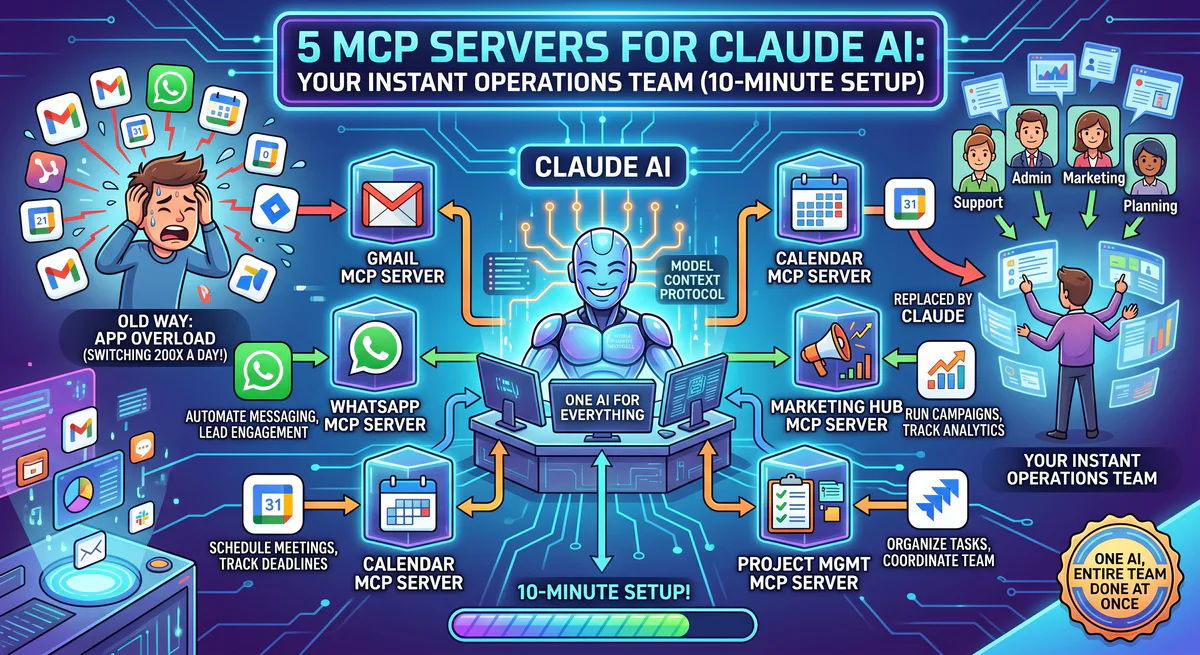
You can connect multiple MCP servers to a single Lovable workspace to provide multiple data sources in one prompt. This multi-server integration allows the agent to read product specifications, inspect active ticket backlogs, and query database schemas in the same generation loop, producing coherent applications.
Combining several connectors allows Lovable to query multiple data sources to complete a single task. For example, you can build a dashboard by connecting document, database, and repository servers:
- Documents: Provides the interface specifications.
- Database: Provides the table structure.
- Repository: Provides the code style guidelines.
You can then run a unified prompt:
“Read the UI specifications from our documentation workspace, inspect the active table schema, and write a dashboard component that matches the styling guidelines of our repository files.”
Why Managed Servers Matter for Lovable
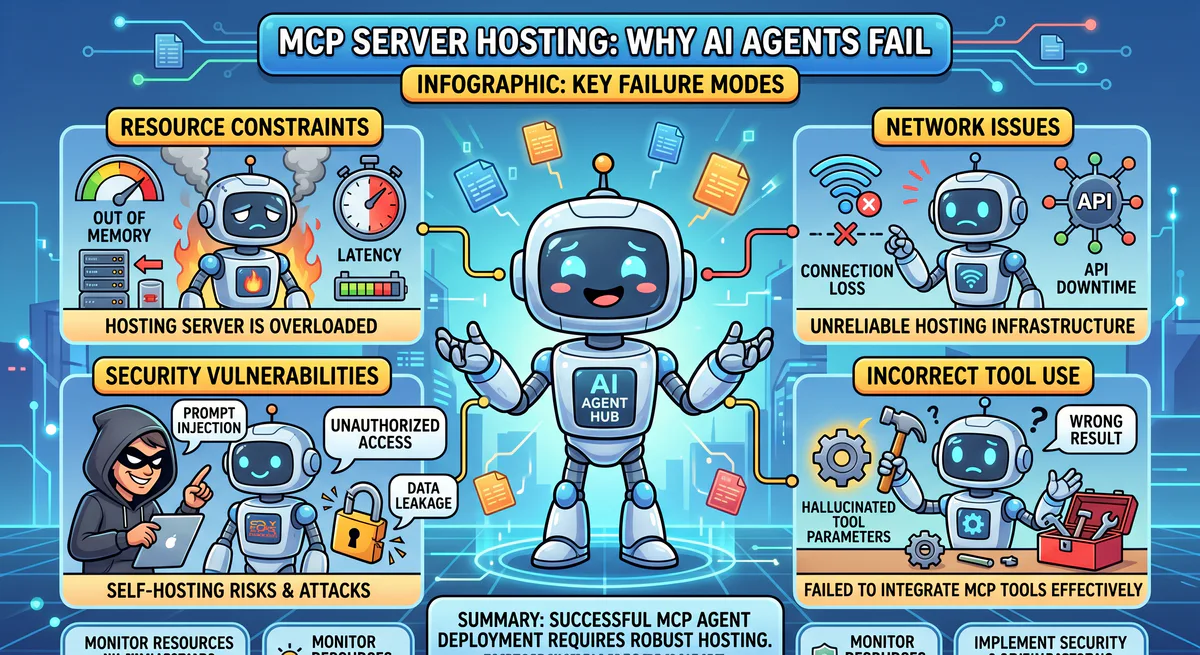
Because Lovable is a cloud-based application builder, it cannot directly communicate with local stdio transport processes running on your local machine. Managed servers expose secure, public HTTPS Server-Sent Events (SSE) endpoints that Lovable’s servers can reach, while protecting your private API tokens behind edge firewalls.
Using managed edge connectors solves this problem:
- Connectivity: The edge gateway exposes a secure, public HTTPS endpoint that cloud services can query.
- Credential Safety: API keys reside in an encrypted vault rather than the client settings panel.
- Security Checks: The gateway screens outgoing payloads to mask PII or passwords before they reach the LLM.
- Logging: The edge service logs tool executions, creating an audit trail of accessed resources.
Advanced: Using MCP Servers in Deployed Lovable Apps
To use MCP capabilities within a live, deployed Lovable application, you route tool requests through serverless database functions. By writing backend integration scripts that invoke edge endpoint tools, your frontend application can trigger real-time actions like workspace alerts or automated issue creation on behalf of users.
You can also use MCP tools in your deployed applications by routing requests through serverless database functions. For example, your app backend can invoke workspace integrations to trigger alerts or update project trackers:
“When a form is submitted, call the messaging tool to post a notification, and invoke the task tool to log the entry in our backlog.”
The generator will structure the serverless edge code and wire the protocol credentials into the deployed environment.
Getting Started
To set up your first integration, create a gateway account, register the workspace connectors you need, and copy their endpoints. Paste the connection configuration into your application builder settings to allow the code assistant to analyze data, format tables, and construct customized database dashboards.
- Set up a free Vinkius account and subscribe to the connectors your workspace uses.
- Copy the secure URLs from the gateway dashboard.
- Open Lovable’s settings page, select New MCP Server, and paste the connection details.
- Prompt the assistant to build your interface using your live data. Providing precise database context is the fastest way to get custom code that fits your existing systems.
Explore the full catalog. Browse the MCP App Catalog, or create a free account to start connecting your Lovable projects to real data in under two minutes.

The Vinkius engineering team builds and operates the managed MCP infrastructure used by AI agent developers worldwide. Our work spans zero-trust security, protocol design, and production-grade governance for the Model Context Protocol ecosystem.
Your agents need tools. We make them safe.
Pick an MCP server from the catalog. Subscribe. Copy the URL. Paste it into Claude, Cursor, or any client. One URL — DLP, audit trail, and kill switch included.
V8 sandbox isolation · Semantic DLP · Cryptographic audit trail · Emergency kill switch