You want your AI to do real work — check your CRM, read your invoices, post to Slack. You’ve heard there are tools for this. But when you start looking, you find three completely different approaches:
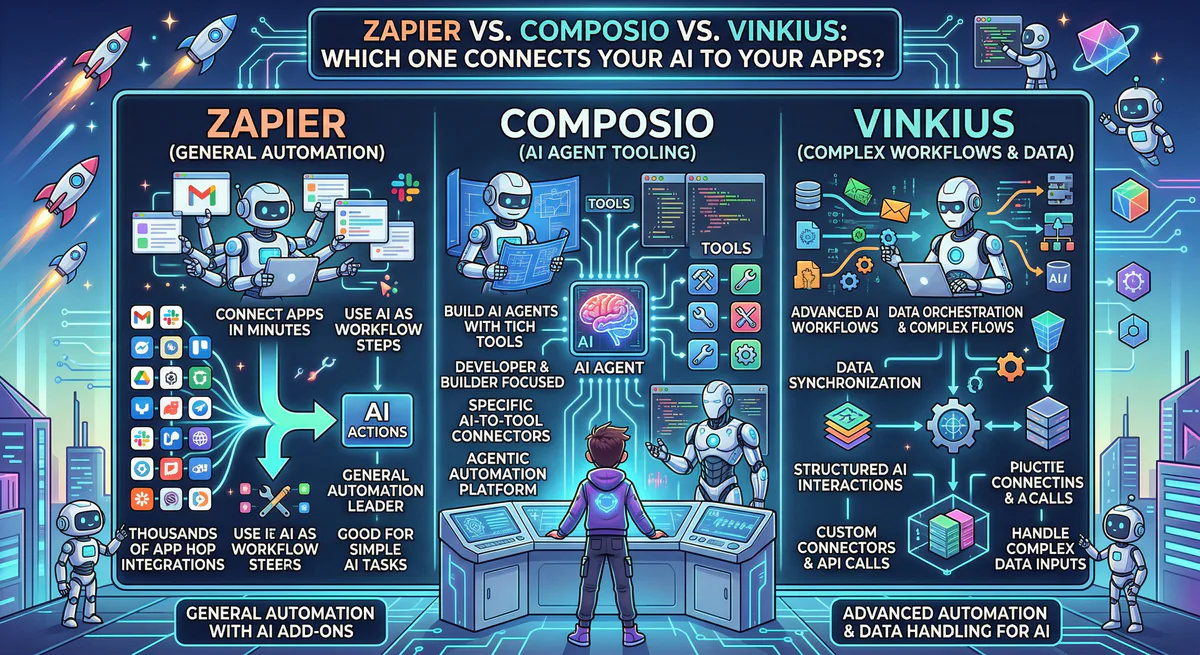
- Zapier says you can automate anything with triggers and actions
- Composio says you need their SDK to connect AI agents to tools
- We say you just need a URL and a conversation
This guide cuts through the marketing. We’ll show you exactly what each tool does, who it’s for, and — honestly — when you should use us and when you shouldn’t.
The 30-Second Answer
| If you are… | Use |
|---|---|
| A non-technical person who wants AI to interact with your business apps conversationally | Us |
| A developer building a custom AI product with complex auth flows | Composio |
| Someone who needs rigid “if-this-then-that” automations between apps | Zapier |
That’s the honest answer. Now here’s the detail.
What Each Tool Actually Does
Zapier: Automation Rules
Zapier connects apps using triggers and actions. When something happens in App A, do something in App B.
Example: “When a new row is added to Google Sheets, create a HubSpot contact.”
How it works:
- You build “Zaps” — visual recipes with an IF/THEN structure
- Each step in the Zap counts toward your monthly plan
- AI features have been added, but the core is still rule-based automation
- 8,000+ app integrations
Great for:
- Scheduled, repetitive tasks that follow the same pattern every time
- Moving data between apps automatically in the background
- Teams that don’t need to interact with the automation — it just runs
Not great for:
- Anything conversational (“ask my CRM a question and act on the answer”)
- Tasks that require judgment (“decide which leads are worth following up”)
- Unpredictable workflows where the steps change depending on context
Composio: Developer Tooling
Composio gives developers a platform to connect AI agents to business tools. It handles OAuth, token management, and tool execution through SDKs.
Example:
issues = run_composio_tool('SENTRY_LIST_ISSUES', status='unresolved')
ranked = invoke_llm(f'Classify these {len(issues)} errors.')
How it works:
- Install their SDK (Python, TypeScript)
- Write code to define which tools your agent can use
- Composio manages authentication (OAuth) so you don’t have to
- 1,000+ app integrations
Great for:
- Developers building AI products (custom copilots, internal tools)
- Teams that need deep programmatic control over agent behavior
- Startups building agent-powered SaaS applications
Not great for:
- Non-technical users (you need to write code)
- People who just want their AI to read Stripe and answer questions
- Quick setups — there’s an SDK learning curve
Us: Conversational Access
We give your AI direct, secure access to your business apps. No code. No SDKs. No trigger-action rules. You connect an app, then talk to your AI normally.
Example: “Show me all failed payments from Stripe this week and post a summary to #finance in Slack.”
How it works:
- Browse our App Catalog and subscribe to the apps you need
- Copy the connection URL
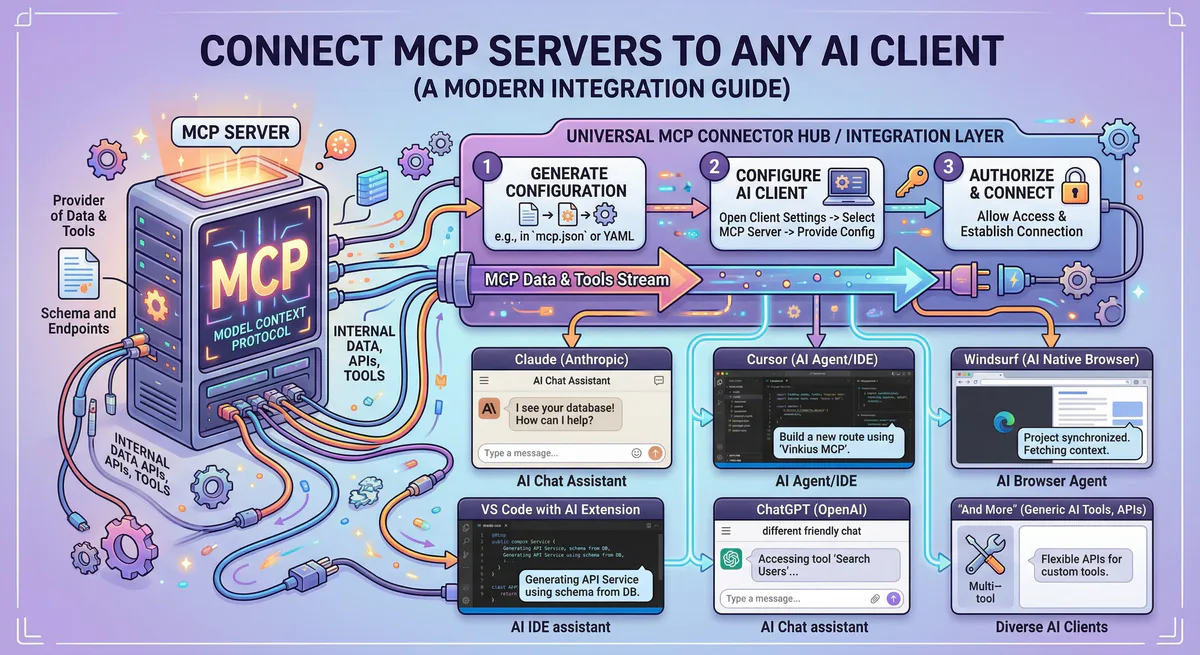
- Paste it into Claude, Cursor, ChatGPT, Lovable, or VS Code
- Talk to your AI — it uses the connected apps automatically
Great for:
- Non-technical builders (vibe coders, founders, managers)
- Anyone who uses Claude, Cursor, or Lovable and wants their AI to access real data
- Teams that need security, audit trails, and DLP without configuring anything
Not great for:
- Complex custom agent architectures (use Composio for that)
- Simple scheduled automations that don’t need AI reasoning (use Zapier for that)
Side-by-Side Comparison
| Feature | Zapier | Composio | Us |
|---|---|---|---|
| Setup | Visual editor (no code) | SDK + code | Paste a URL (no code) |
| AI interaction | Limited AI steps in Zaps | Full agent control via SDK | Native conversational access |
| You can ask follow-up questions? | No — Zaps run once | Yes — if you code it | Yes — naturally |
| Integrations | 8,000+ | 1,000+ | 2,500+ |
| Security model | OAuth per Zap | Managed OAuth | Encrypted vault + DLP + audit trail |
| Sensitive data protection | No built-in DLP | No built-in DLP | Automatic redaction (credit cards, SSNs, keys) |
| Kill switch | Delete the Zap | Revoke OAuth token | One-click instant disconnect |
| Audit trail | Zap history log | Execution traces | Cryptographic audit per request |
| Who uses it | Marketing, ops, RevOps | Developers, AI engineers | Vibe coders, founders, teams |
| Pricing model | Per task (step-based) | Per API call | Per request (flat plan, unlimited apps) |
The Real Differences People Care About
”Can I have a conversation with my data?”
Zapier: No. Zaps run in the background. They trigger when an event happens. You don’t interact with them.
Composio: Yes — if you build a custom agent that uses their SDK. You write the code that defines how the conversation works.
Us: Yes. You paste a URL and talk. That’s it.
Example conversation with us:
You: “What’s our MRR from Stripe this month?”
AI: “Your current MRR is $47,200 across 312 active subscriptions. That’s up 8% from last month.”
You: “Which plans are growing fastest?”
AI: “The Pro plan grew 23% (47 new subs). The Enterprise plan grew 12% (8 new subs). The Starter plan declined 3%.”
You: “Post a summary to #revenue in Slack.”
AI: “Done. Summary posted to #revenue.”
This conversation is impossible with Zapier. With Composio, you’d need to code it. With us, you paste a URL and start talking.
”What if my AI sees sensitive data?”
This matters. When you connect an AI to your CRM or payment system, it will see customer emails, phone numbers, and potentially credit card data.
Zapier: The data flows between apps as-is. There’s no scanning or redaction layer.
Composio: The data flows through their managed auth layer. They handle OAuth tokens, but there’s no built-in DLP (Data Loss Prevention) engine that scans for sensitive fields.
Us: Every response passes through our DLP engine before reaching your AI. Fields matching sensitive patterns (credit card numbers, SSNs, API keys, phone numbers) are automatically replaced with [REDACTED]. This is on by default. No configuration needed.
”What does it cost?”
Zapier: Starts free (100 tasks/month). Paid plans from $20/month. Complex multi-step Zaps can consume thousands of tasks quickly. Enterprise plans can reach $600+/month.
Composio: Free tier available. Paid plans from $30/month. Pricing is per API call — costs scale with agent activity.
Us: Free plan with access to the full catalog (2,500+ apps). Paid plans increase the request quota. You pay for the infrastructure, not per-app. Connect 5 apps or 50 — same price.
When to Use What (The Honest Guide)
Use Zapier when:
- You need a fully automated, background workflow: “When a form is submitted, create a CRM contact and send a welcome email”
- Your workflow is predictable and doesn’t change
- You don’t need AI reasoning — just data movement
- You already have Zapier running and it works
Use Composio when:
- You’re a developer building an AI product
- You need programmatic control over tool execution via SDKs
- Your agents need managed OAuth across multiple user accounts
- You’re building a product where YOUR customers connect THEIR apps (multi-tenant auth)
Use us when:
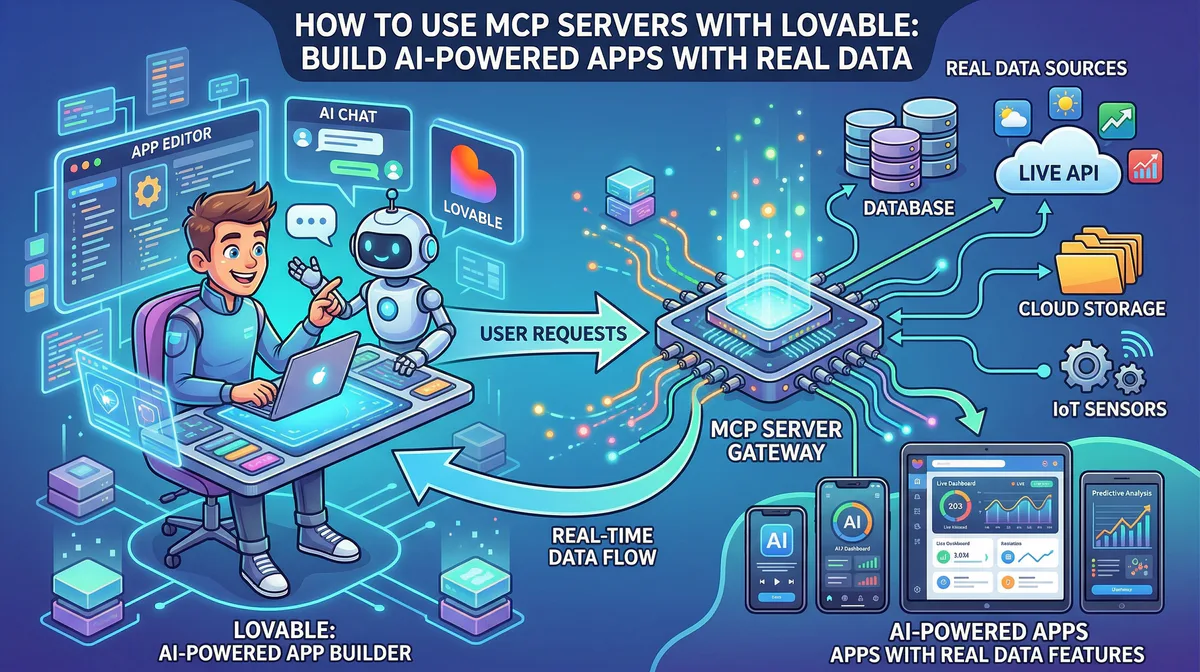
- You want your AI (Claude, Cursor, ChatGPT, Lovable) to interact with your business apps through conversation
- You’re not a developer and don’t want to write code
- Security matters to you (DLP, audit trails, encrypted credentials)
- You build apps with AI tools and need to connect them to real data fast
- You want one connection that works across all your AI tools
The Overlap (And When They Work Together)
These tools don’t always compete. Sometimes they complement each other:
Zapier + Us: Use Zapier for your scheduled background automations (form → CRM → email). Use us for the conversational, AI-driven tasks where you need to ask questions, analyze data, and make decisions.
Composio + Us: If you’re building a custom AI product, use Composio for your product’s backend agent logic. Use us for your team’s internal AI workflows (connecting Claude to your project management tools).
The real question isn’t “which one is the best” — it’s “which one fits how you work.”
Getting Started
If you’ve read this far, you probably know which category you’re in. If your primary need is giving your AI conversational access to your business tools — without writing code — here’s how to start:
Step 1. Create a free account.
Step 2. Browse the App Catalog and subscribe to the apps you use most.
Step 3. Paste the connection URLs into your AI tool (Claude, Cursor, ChatGPT, Lovable, VS Code).
Step 4. Ask your AI a real question about your real data.
You’ll know in 5 minutes whether this is the right tool for you.
Have questions about how we compare to a specific tool? Email us at support@vinkius.com — we’ll give you an honest answer, even if it means recommending someone else.
Your agents need tools. We make them safe.
Pick an MCP server from the catalog. Subscribe. Copy the URL. Paste it into Claude, Cursor, or any client. One URL — DLP, audit trail, and kill switch included.
V8 sandbox isolation · Semantic DLP · Cryptographic audit trail · Emergency kill switch