Your store has the data. Your AI has the brains. They’ve never met.
E-commerce operations are drowning in dashboards. You check Shopify for orders, switch to AfterShip for tracking, open Klaviyo for email performance, tab to Gorgias for support tickets, pull up Square for POS data. Each tool contains a critical piece of the picture, but you’re the one stitching it together manually — copying numbers between tabs, building spreadsheets, and spending hours on reports that are stale before they’re finished.
According to Shopify’s 2025 Commerce Report, the average e-commerce business uses 14 different tools for daily operations. That’s 14 tabs, 14 logins, 14 different data formats, and 14 sources of truth that rarely agree with each other.
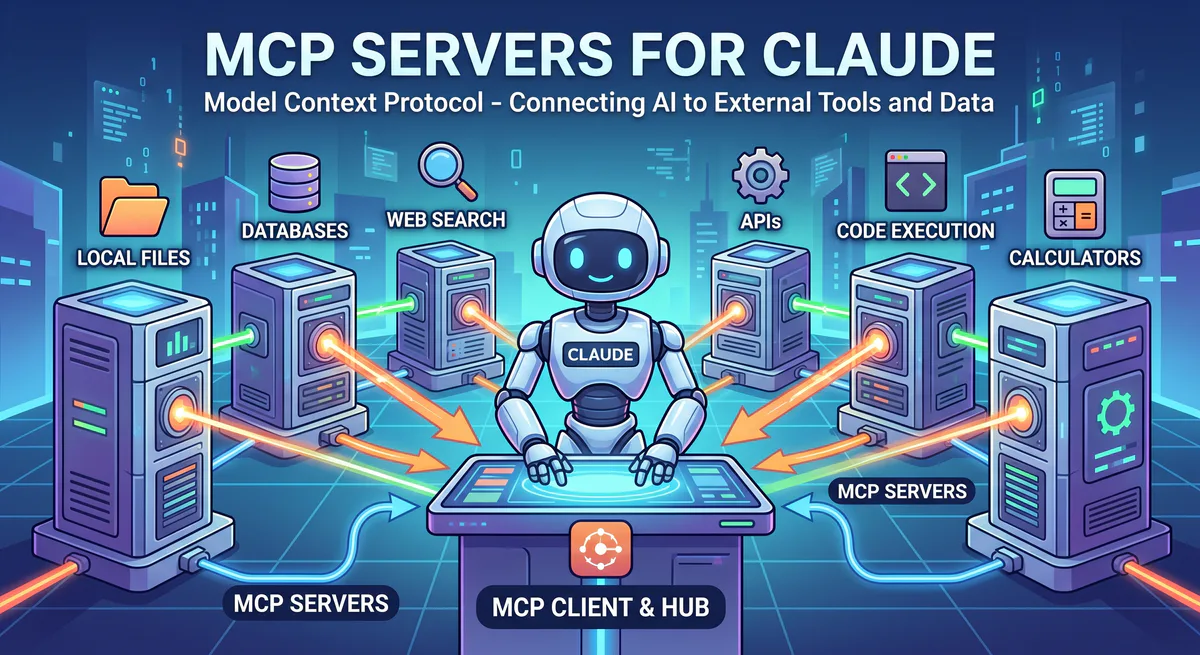
MCP servers solve this by letting your AI query any of these tools directly. No APIs to configure, no code to write, no data engineering required. Subscribe, connect, and start asking questions in plain English. Your AI answers from your real, live store data.
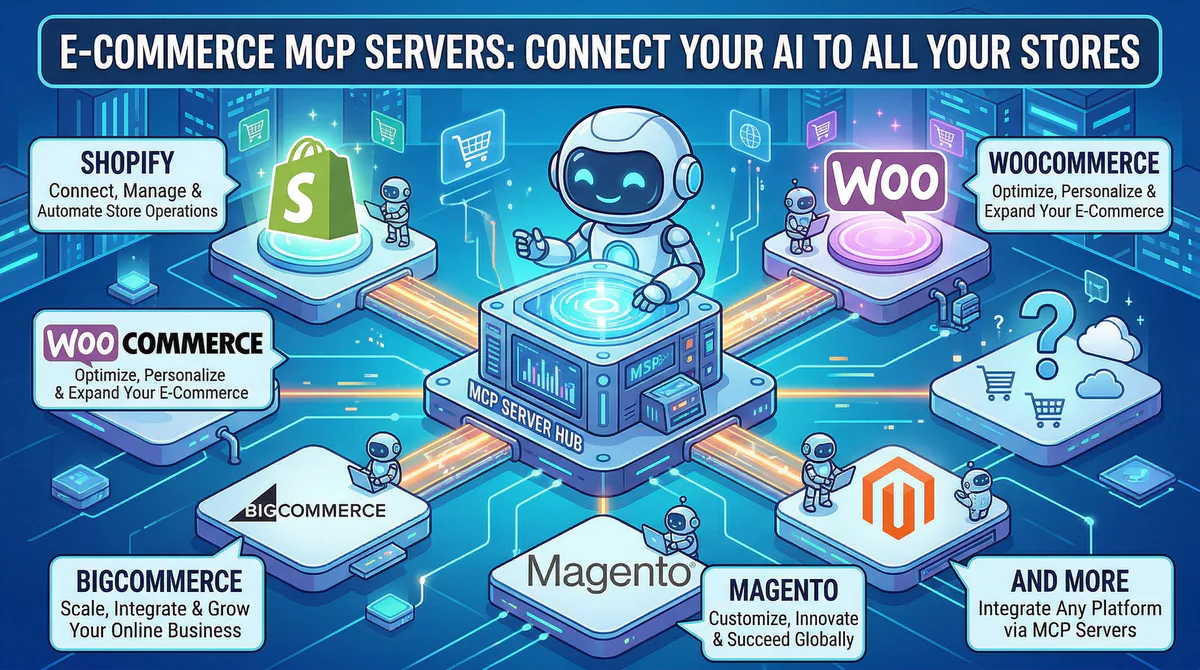
In this guide, we cover every e-commerce MCP server in our catalog — storefronts, shipping, marketing, support, and payments — what each one gives your AI, the workflows it unlocks, and how connecting through our secure gateway protects your customer and transaction data.
Storefronts & Platforms
Shopify MCP
Shopify powers over 4.4 million online stores worldwide, processing over $235 billion in GMV annually. It’s the e-commerce platform of choice for direct-to-consumer brands, from solo creators to enterprise operations like Gymshark, Allbirds, and Kylie Cosmetics.
When your AI connects to Shopify, your entire store becomes conversational. No more navigating Shopify Admin to answer questions your AI can answer in seconds.
What your AI can do once connected:
- Order management — search orders by customer, date, status, product, or fulfillment state
- Inventory intelligence — check stock levels across all products and variants, identify low-stock items, and monitor reorder points
- Revenue analytics — daily, weekly, monthly revenue trends, average order value, and conversion rates
- Customer insights — purchase history, lifetime value, and customer segmentation
- Abandoned cart analysis — how many carts were abandoned, what was in them, and what’s the total lost revenue
Real-world workflows this unlocks:
Morning operations briefing. Your operations manager starts every day by checking 4 Shopify Admin screens. Now they ask: “How did we do yesterday? Orders, revenue, average order value, and any fulfillment issues?” The AI responds: “Yesterday: 147 orders, $23,400 revenue (-3% vs. same day last week). AOV: $159 (+2%). 3 orders flagged: 2 with failed payment capture, 1 address validation error.”
Inventory crisis prevention. You ask: “Which products drop below 10 units in stock this week based on current sell-through rate?” The AI calculates from recent sales velocity: “5 products at risk: Blue Hoodie (S) — 8 units, 2.3/day sell-through (stockout in 3 days). Classic Tee (M) — 12 units, 1.8/day (7 days)…” You reorder before stockouts, not after.
Abandoned cart recovery. Your marketing lead asks: “How many carts were abandoned yesterday and what’s the total potential revenue?” The AI checks: “34 abandoned carts, total value: $6,200. Top abandoned products: Wireless Earbuds ($89, 7 carts), Premium Backpack ($149, 5 carts). 40% of carts had items already in the customer’s past purchases.”
Example prompts:
- “How many orders did we get yesterday and what’s the average order value?”
- “Which products are running low on inventory — under 10 units?”
- “Show me our top 10 customers by lifetime value”
- “How many abandoned carts from this week and what’s the total lost revenue?”
- “Compare this month’s revenue to last month”
- “Which product variants have the highest return rate?”
Connect: Shopify MCP in our App Catalog →
WooCommerce MCP
WooCommerce powers over 6.5 million e-commerce stores — more than any other platform — and runs on WordPress, giving store owners full control over their data and hosting. It’s particularly popular for small and mid-size businesses, niche stores, and businesses that need custom functionality.
What your AI can do once connected:
- Order queries — search by status, date, customer, product, or payment method
- Product performance — category-level revenue, individual product sales trends, and margin analysis
- Coupon tracking — usage frequency, revenue impact, and discount cost analysis
- Customer data — purchase patterns, order frequency, and lifetime value
- Fulfillment monitoring — unfulfilled orders, shipment status, and processing delays
Real-world workflows this unlocks:
Discount ROI analysis. Your marketing manager asks: “How many orders used discount coupons this month, and what was the total discount cost vs. the revenue those orders generated?” The AI cross-references coupon data with order revenue: “312 orders used coupons. Total discount given: $4,700. Revenue from coupon orders: $47,300. Effective discount rate: 9.9%. Without coupons, estimated 180 of these orders wouldn’t have converted (based on customer historical purchase patterns).”
Category intelligence. You ask: “Which product categories generated the most revenue this quarter, and how does the margin compare?” The AI pulls WooCommerce category data: “Clothing: $89K (32% margin). Electronics: $67K (18% margin). Accessories: $34K (54% margin). Accessories has the highest margin despite being the smallest category.”
Example prompts:
- “List all orders from the last 24 hours with their payment status”
- “Which product categories generated the most revenue this month?”
- “How many orders used discount coupons this week and what’s the total discount cost?”
- “Show me unfulfilled orders older than 3 days”
Connect: WooCommerce MCP in our App Catalog →
BigCommerce MCP / Magento MCP / Etsy MCP / Squarespace MCP / Shopline MCP
All five platforms have full MCP server access for orders, products, customers, and analytics:
- BigCommerce — Multi-storefront management and B2B commerce. Connect →
- Magento (Adobe Commerce) — Enterprise-grade catalog and B2B features. Connect →
- Etsy — Handmade and vintage marketplace with shop analytics. Connect →
- Squarespace Commerce — Integrated storefront with design-first experience. Connect →
- Shopline — Southeast Asian and global commerce. Connect →
Shipping & Fulfillment
AfterShip MCP
AfterShip tracks shipments across 900+ carriers worldwide. When your AI can query AfterShip, every delivery question has an instant answer.
What your AI can do once connected:
- Track all shipments across carriers — a unified view regardless of whether you ship via DHL, FedEx, UPS, or USPS
- Delivery exception monitoring — stuck packages, failed delivery attempts, and customs holds
- Carrier performance analysis — average delivery time, exception rates, and on-time delivery rates by carrier
- Customer-facing status updates — real-time tracking information for any order
Real-world workflow: Your customer service manager asks: “Are there any shipments stuck in transit for more than 7 days?” The AI checks AfterShip: “4 stuck shipments. 2 in customs hold (Germany, cleared estimated tomorrow). 1 carrier scan gap (USPS, last scanned 6 days ago in Dallas). 1 failed delivery attempt (recipient not available, 2nd attempt scheduled).”
Connect: AfterShip MCP · DHL MCP · FedEx MCP · EasyPost MCP
E-Commerce Marketing
Klaviyo MCP
Klaviyo is the email and SMS marketing platform built specifically for e-commerce, used by over 143,000 brands. It integrates deeply with Shopify, WooCommerce, and BigCommerce to power abandoned cart flows, post-purchase sequences, and customer segmentation.
What your AI can do once connected:
- Campaign analytics — open rates, click rates, conversions, and revenue attributed to each send
- Flow performance — welcome series, abandoned cart, post-purchase, and win-back flow metrics
- List health — subscriber growth, engagement rates, and churn patterns
- Revenue attribution — exactly how much revenue each email and SMS generated
Real-world workflow: Your email marketing manager asks: “How did our abandoned cart flow perform this month compared to last month?” The AI pulls Klaviyo flow data: “Abandoned cart flow: 2,340 emails sent (↑12%). Open rate: 42% (↓2%). Click rate: 8.1% (stable). Revenue attributed: $18,500 (↑$2,100 from last month). Average recovery value: $67.”
Connect: Klaviyo MCP · Omnisend MCP · Mailchimp MCP
E-Commerce Customer Support
Gorgias MCP
Gorgias is the helpdesk built for e-commerce, integrating directly with Shopify and BigCommerce to show customer order history, tracking data, and lifetime value right inside each support ticket.
What your AI can do once connected: Pull ticket volume, response times, ticket categories, agent performance, and revenue attributed to support interactions.
Real-world workflow: Your support lead asks: “What are the top 3 reasons customers contact us this week?” The AI analyzes Gorgias tickets: “1. ‘Where is my order?’ (32%). 2. ‘Return/exchange request’ (24%). 3. ‘Product question pre-purchase’ (18%). ‘Where is my order?’ increased 15% from last week — correlates with the carrier delay in USPS (if AfterShip is connected).”
Connect: Gorgias MCP in our App Catalog →
Payments & Point of Sale
Square MCP / Stripe MCP / PayPal MCP
Full transaction, revenue, and payment analytics:
- Square — In-person POS + online payments, inventory, and customer data. Connect →
- Stripe — Online revenue, subscriptions, recurring billing, and payment analytics. Connect →
- PayPal — Transaction history, disputes, and payout data. Connect →
The Multi-Tool E-Commerce Workflow
| Question | Tool | What it pulls |
|---|---|---|
| ”How did we do yesterday?” | Shopify/WooCommerce MCP | Orders, revenue, AOV |
| ”Are shipments on track?” | AfterShip MCP | Delivery status, exceptions |
| ”How’s email performing?” | Klaviyo MCP | Flow revenue, open rates |
| ”What are customers complaining about?” | Gorgias MCP | Ticket categories, trends |
| ”How much are we collecting?” | Stripe/Square MCP | Payments, refunds, disputes |
| ”Which products are selling out?” | Shopify MCP | Inventory alerts, sell-through |
One conversation. Your entire e-commerce operations. Zero tab-switching.
Internal Linking: Related Cluster Guides
- CRM & Sales MCP Servers — Salesforce, HubSpot, Pipedrive
- Marketing MCP Servers — SurferSEO, Jasper, Semrush
- Finance MCP Servers — QuickBooks, Xero, Stripe
- Customer Support MCP Servers — Zendesk, Freshdesk
- The Complete MCP Server Directory — 2,500+ apps
How to Connect
- Go to our App Catalog → Search → Subscribe → Copy URL → Paste into your AI tool
Time: under 2 minutes per tool.
Start Building
Browse all e-commerce MCP servers →
Your store data should power every decision — from morning ops briefings to real-time inventory alerts to email campaign optimization. These connections make that possible.
Need an e-commerce tool not in our catalog? Email support@vinkius.com.
Your agents need tools. We make them safe.
Pick an MCP server from the catalog. Subscribe. Copy the URL. Paste it into Claude, Cursor, or any client. One URL — DLP, audit trail, and kill switch included.
V8 sandbox isolation · Semantic DLP · Cryptographic audit trail · Emergency kill switch