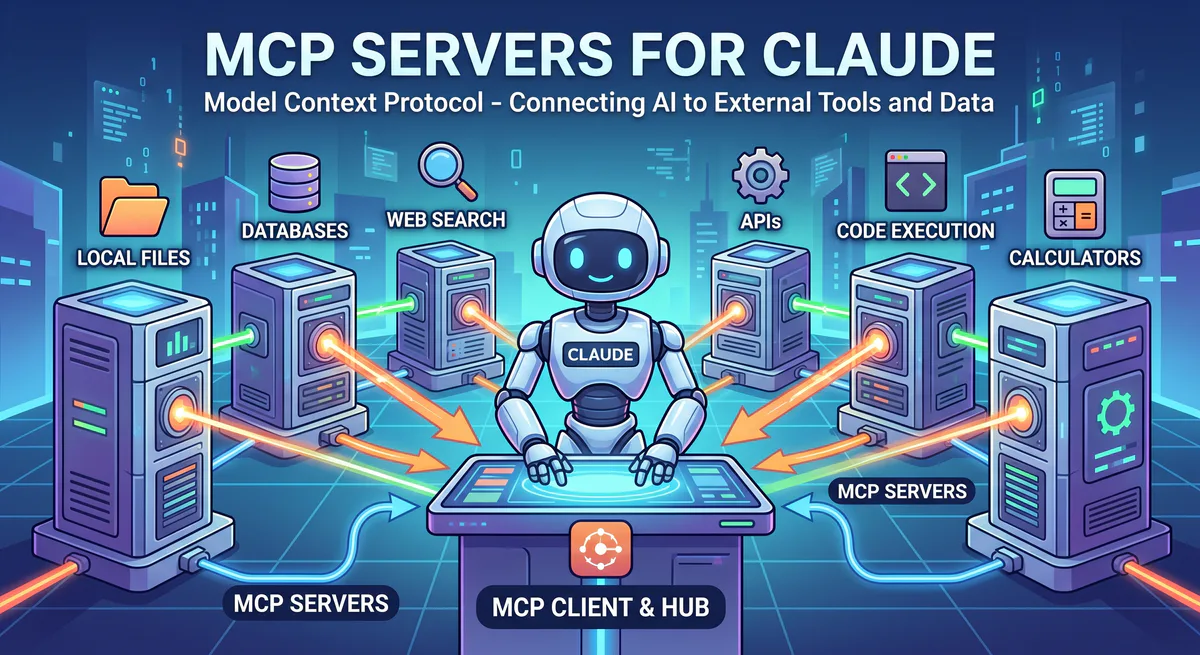
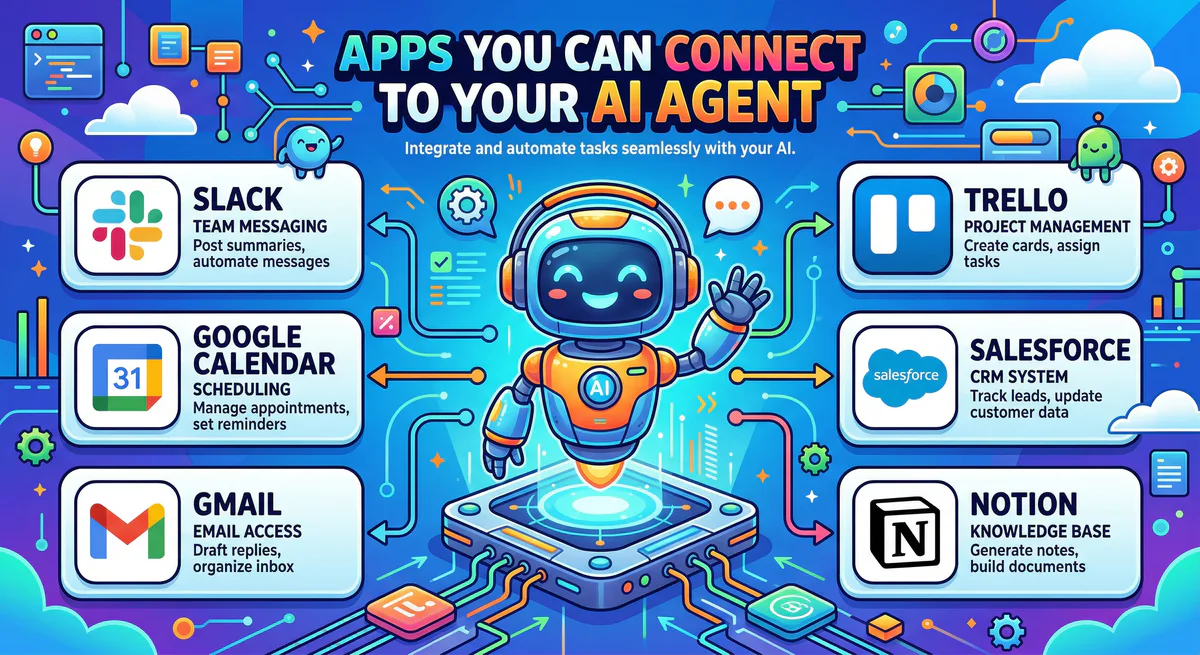
Looking for an MCP server for a specific app? You’re in the right place.
We maintain the largest managed MCP server catalog available — over 2,500 apps, each one pre-configured, secured, and ready to connect to Claude, Cursor, ChatGPT, VS Code, or Lovable in under 2 minutes.
Every server listed here includes:
- Managed hosting — always running, always updated
- Encrypted credential storage — your API keys never touch your machine
- DLP protection — sensitive data is redacted before reaching your AI
- One-click connection — subscribe, copy URL, paste, done
Brand & Design
Connect your AI to your design systems, brand assets, and creative tools.
| MCP Server | What your AI can do |
|---|---|
| Frontify MCP | Access brand guidelines, search digital assets, pull approved logos and templates |
| Bynder MCP | Browse and retrieve assets from your DAM, check usage rights, find brand-approved media |
| Canva MCP | Search designs, access team templates, pull brand kit assets |
| Figma MCP | Read design files, extract component data, pull design tokens |
| Adobe Creative Cloud MCP | Access shared assets, retrieve project files |
“Pull the latest logo variations from Frontify and list which ones are approved for digital use.”
Content & SEO
Let your AI optimize content, track rankings, and research keywords using your actual tools.
| MCP Server | What your AI can do |
|---|---|
| SurferSEO MCP | Analyze content scores, get optimization suggestions, check keyword coverage |
| Jasper MCP | Access brand voice settings, retrieve generated content, manage campaigns |
| Semrush MCP | Pull keyword rankings, analyze competitor data, check domain authority |
| Ahrefs MCP | Access backlink data, keyword research, site audit results |
| AppTweak MCP | Analyze app store rankings, track keyword positions, monitor ASO performance |
| AppFollow MCP | Monitor app reviews, track ratings, analyze competitor apps |
“Check SurferSEO for the content score of our latest blog post and suggest improvements.”
Sales & Revenue
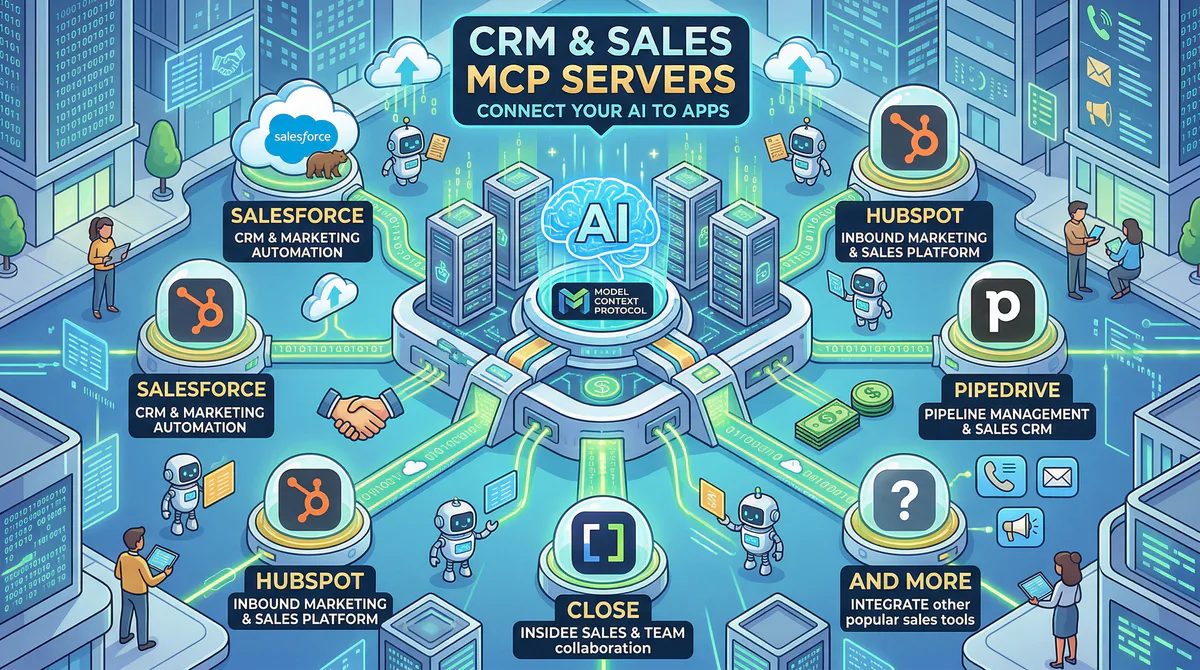
Give your AI access to your entire sales pipeline, lead data, and outreach tools.
| MCP Server | What your AI can do |
|---|---|
| HubSpot MCP | Query contacts, deals, pipelines, company records, and engagement data |
| Salesforce MCP | Access opportunities, accounts, leads, reports, and dashboards |
| Pipedrive MCP | Pull deal stages, contact lists, activity logs |
| Amplemarket MCP | Access lead lists, outreach sequences, engagement metrics |
| Apollo MCP | Search prospect databases, pull enrichment data |
| Close MCP | Access calling activity, email sequences, pipeline data |
“Find all Enterprise deals in HubSpot that haven’t had activity in 14 days and suggest follow-up actions.”
HR & People Management
Connect your AI to your HR platform to answer employee questions, track PTO, and generate reports.
| MCP Server | What your AI can do |
|---|---|
| HiBob MCP | Access employee directory, PTO balances, org charts, onboarding status |
| BambooHR MCP | Pull employee data, time-off requests, performance reviews |
| Workday MCP | Query workforce data, compensation info, organizational structures |
| Gusto MCP | Access payroll data, benefits information, tax documents |
| Deel MCP | Check contractor payments, compliance status, contract details |
“Check HiBob for who’s on PTO next week and flag any team coverage gaps.”
Project Management
Let your AI read tickets, track sprints, and manage tasks across your project tools.
| MCP Server | What your AI can do |
|---|---|
| Jira MCP | Query tickets, sprints, backlogs, search by assignee or label |
| Linear MCP | Access issues, cycles, project progress |
| Asana MCP | Read tasks, projects, timelines, and workspaces |
| Monday.com MCP | Access boards, items, updates, and automations |
| ClickUp MCP | Pull tasks, spaces, goals, and time tracking data |
| Basecamp MCP | Access to-dos, message boards, schedules |
| Retool MCP | Query internal tools, dashboards, and connected databases |
“What are the open blockers in the current Jira sprint? Summarize by assignee.”
Knowledge & Documentation
Give your AI access to your company’s knowledge base and internal docs.
| MCP Server | What your AI can do |
|---|---|
| Notion MCP | Search pages, query databases, read documentation, create new entries |
| Slab MCP | Search your knowledge base, retrieve articles, find onboarding docs |
| Confluence MCP | Access wiki pages, search spaces, read team documentation |
| Coda MCP | Query docs, pull table data, access team wikis |
| GitBook MCP | Search published documentation, pull API references |
“Search Slab for our refund policy and summarize the key points.”
Communication & Messaging
Let your AI read, summarize, and post messages across your team channels.
| MCP Server | What your AI can do |
|---|---|
| Slack MCP | Read channels, post messages, summarize conversations, search history |
| Discord MCP | Access server channels, read messages, post updates |
| Microsoft Teams MCP | Read chats, access channels, post messages |
| Gmail MCP | Read emails, search inbox, draft responses |
| Intercom MCP | Access customer conversations, read support threads |
“Summarize what the #engineering team discussed today in Slack.”
Payments & Finance
Give your AI direct access to revenue, invoices, and subscription data.
| MCP Server | What your AI can do |
|---|---|
| Stripe MCP | Query MRR, subscriptions, invoices, failed payments, refunds |
| Square MCP | Access transactions, inventory, customer records |
| PayPal MCP | Pull transaction history, invoice data |
| QuickBooks MCP | Access accounting data, expense reports, P&L statements |
| Xero MCP | Query invoices, bank transactions, contacts |
“Show me all Stripe refunds over $100 from the last 30 days.”
Databases & Data Infrastructure
Connect your AI directly to your databases — with governed, read-only access.
| MCP Server | What your AI can do |
|---|---|
| Supabase MCP | Query tables, manage schemas, access auth data |
| PostgreSQL MCP | Run read queries, explore schemas, pull reports |
| BigQuery MCP | Query data warehouse tables, run analytics queries |
| MySQL MCP | Access database tables, pull records |
| MongoDB MCP | Query document collections, aggregate data |
| Snowflake MCP | Run warehouse queries, access data models |
“Query BigQuery for our top 10 customers by lifetime value this quarter.”
Data Integration & Quality
Let your AI monitor data pipelines, check quality, and troubleshoot issues.
| MCP Server | What your AI can do |
|---|---|
| Matillion MCP | Access ETL job status, check pipeline health, review transformations |
| Metaplane MCP | Monitor data freshness, check for anomalies, review lineage |
| dbt MCP | Access model documentation, check run status, review test results |
| Fivetran MCP | Check connector status, review sync history, troubleshoot failures |
“Check Metaplane for any data anomalies detected in the last 24 hours.”
Developer & Engineering Tools
Give your AI access to repos, CI/CD, code quality, and monitoring.
| MCP Server | What your AI can do |
|---|---|
| GitHub MCP | Access repos, PRs, issues, code search, actions |
| GitLab MCP | Pull merge requests, pipeline status, issue boards |
| Codacy MCP | Check code quality scores, review security findings, track technical debt |
| Checkly MCP | Monitor API and browser check status, review alert history, check uptime |
| BugHerd MCP | Access visual bug reports, review feedback, check task status |
| Sentry MCP | Access error reports, stack traces, issue frequency |
| Datadog MCP | Query metrics, check alert status, review dashboards |
| PagerDuty MCP | Check incident status, acknowledge alerts, review on-call schedules |
“Check Codacy for any critical security findings in the main branch.”
Customer Support
Let your AI triage tickets, identify trends, and generate responses.
| MCP Server | What your AI can do |
|---|---|
| Zendesk MCP | Query tickets, check SLA compliance, analyze satisfaction scores |
| Freshdesk MCP | Access support tickets, read knowledge base, check agent workloads |
| Intercom MCP | Read customer conversations, access help center articles |
| Zenoti MCP | Access appointment data, customer history, service records (beauty/wellness) |
“Show me all Zendesk tickets with ‘billing’ tag from this week ranked by urgency.”
Scheduling & Calendar
Give your AI access to your calendar to check availability and manage meetings.
| MCP Server | What your AI can do |
|---|---|
| Google Calendar MCP | Check availability, read events, find meeting conflicts |
| Fantastical MCP | Access calendar events, task lists, meeting proposals |
| Calendly MCP | Check booking availability, review scheduled meetings |
| Cal.com MCP | Access booking data, check availability slots |
“Check Fantastical for any scheduling conflicts next Tuesday afternoon.”
Industry-Specific
MCP servers for specialized business tools across real estate, advertising, and more.
| MCP Server | What your AI can do |
|---|---|
| Idealista MCP | Access property listings, search real estate data, track market trends |
| Pinterest Ads MCP | Pull ad campaign performance, check spend, analyze creative metrics |
| Google Ads MCP | Access campaign data, keyword performance, budget tracking |
| Facebook Ads MCP | Pull ad set performance, audience data, conversion metrics |
| Shopify MCP | Access orders, products, inventory, customer data |
“Pull our Pinterest Ads campaign performance for the last 7 days and compare to the previous week.”
Low-Code & Automation Platforms
Even if you use another platform, you can enhance it by connecting through our gateway.
| MCP Server | What your AI can do |
|---|---|
| Retool MCP | Access your internal tools, query connected databases, pull dashboard data |
| Zapier MCP | Trigger Zaps, check run history, monitor automation status |
| Kintone MCP | Access your custom business apps, query records, update entries |
| Airtable MCP | Query bases, read records, access views and linked fields |
“Query Retool for the latest customer onboarding dashboard data.”
How to Connect Any App
Every app in this directory connects the same way:
- Go to our App Catalog
- Search for the app you need
- Click “Subscribe”
- Copy your connection URL
- Paste into your AI tool:
- Claude Desktop: Settings → Developer → Edit Config
- Cursor: Settings → MCP → Add Server (or click “Connect to Cursor”)
- ChatGPT: Settings → Connectors → Add
- VS Code: Ctrl+Shift+P → “MCP: Add Server”
- Lovable: Settings → Connectors → New MCP Server
Time: under 2 minutes per app.
Start Browsing
Over 2,500 MCP servers. Every one managed, secured, and ready to connect.
Can’t find what you’re looking for? Email us at support@vinkius.com — we add new servers every week.
Your agents need tools. We make them safe.
Pick an MCP server from the catalog. Subscribe. Copy the URL. Paste it into Claude, Cursor, or any client. One URL — DLP, audit trail, and kill switch included.
V8 sandbox isolation · Semantic DLP · Cryptographic audit trail · Emergency kill switch