Your support team answers 200 tickets a day. Your VP of Customer Success asks on Monday: “What’s the trending issue this week?” “Are we meeting SLA targets?” “Which agents need help?” “What’s our CSAT trend?”
Getting those answers from your helpdesk means exporting reports, building pivot tables, slicing by agent, tag, and date, and formatting slides for a meeting that’s in 30 minutes.
According to Zendesk’s 2025 CX Trends Report, support leaders spend an average of 4 hours per week just building reports to answer management questions. That’s 200+ hours per year that could be spent on coaching agents, improving processes, or actually helping customers.
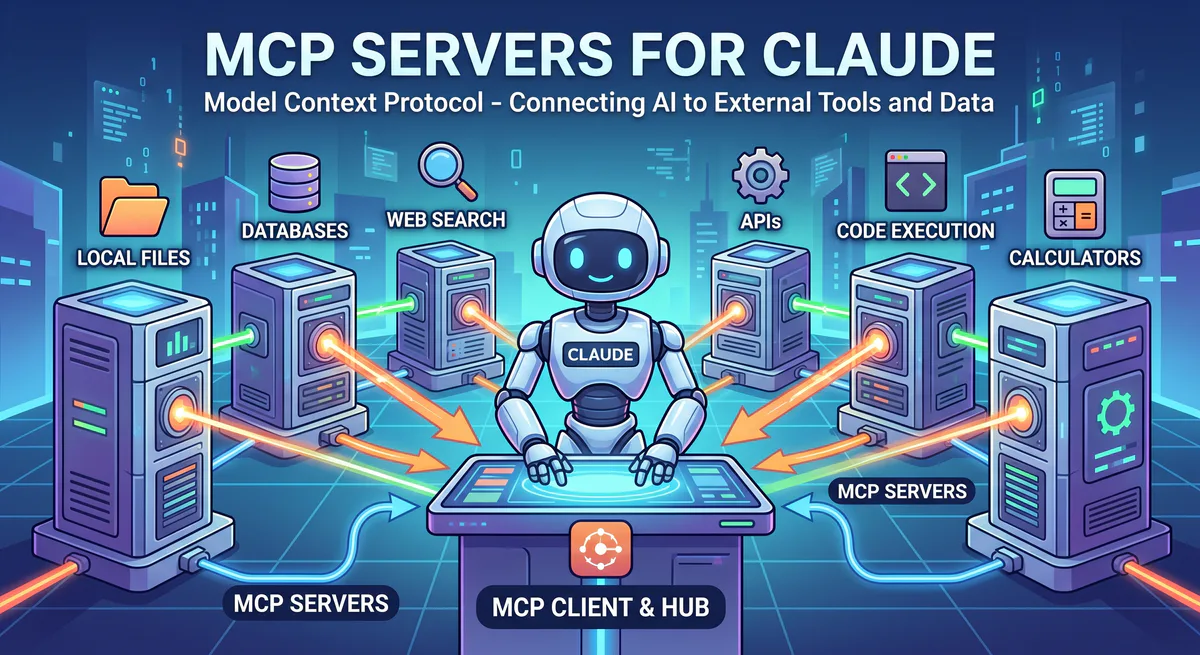
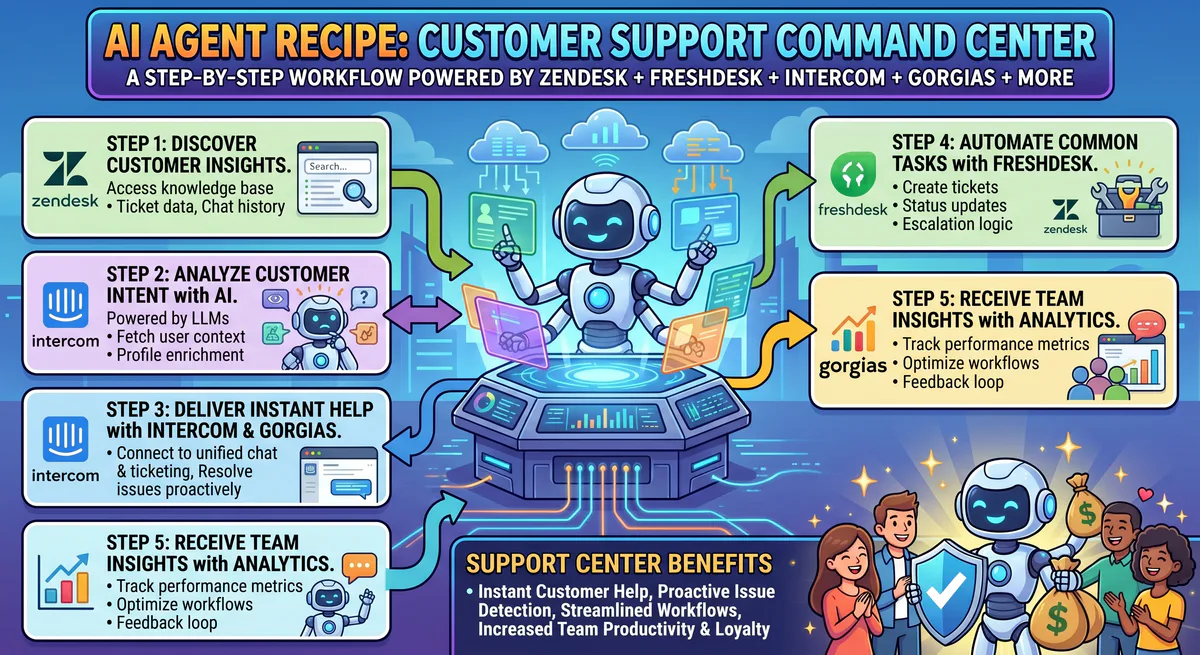
MCP servers make your support data conversational. When your AI has direct access to Zendesk, Freshdesk, or Intercom, every support question becomes a prompt:
“What are the top 3 ticket categories this week, how do they compare to last week, and which agents have the highest resolution rate for each category?”
That’s a question that would take 45 minutes to answer with exports and pivots. Your AI answers it in seconds.
Enterprise Helpdesk
Zendesk MCP
Zendesk is the customer service platform used by over 160,000 businesses worldwide, from startups to enterprises like Airbnb, Shopify, and Slack. It handles email, chat, phone, social media, and self-service in a unified workspace.
What your AI can do once connected:
- Ticket queries — filter by status, priority, assignee, tag, channel, or custom field
- SLA monitoring — compliance rates, breach alerts, and time-to-breach for active tickets
- Satisfaction analytics — CSAT scores by agent, team, tag, or time period
- Volume and trend analysis — ticket volume patterns, peak hours, and category distribution
- Knowledge base access — search help center articles and identify coverage gaps
- Agent performance — resolution rate, first reply time, and handle time by agent
Real-world workflows this unlocks:
Real-time SLA management. Your support manager checks SLA compliance 5 times a day. Now they ask: “Are there any tickets about to breach SLA in the next 30 minutes?” The AI queries Zendesk: “4 tickets at risk. Ticket #45231 (P2, ‘Billing dispute’, assigned to Sarah — 22 minutes to breach, no reply yet). Ticket #45245 (P2, ‘API error’, assigned to James — 28 minutes, first reply sent but waiting for customer). Ticket #45250 (P3, ‘Feature question’, unassigned — 15 minutes to breach).” The manager can reassign the unassigned ticket immediately.
Trending issue detection. Your VP asks in the Monday standup: “What changed in our ticket categories this week vs. last week?” The AI analyzes: “Overall volume: 1,240 tickets (+8%). Top changes: ‘Password reset’ tickets +45% (possible UX issue with new login flow). ‘Shipping delay’ -30% (carrier issue from last week resolved). ‘Billing error’ stable. New emerging category: ‘API rate limiting’ — 23 tickets (didn’t exist last week, correlates with recent API changes).”
Agent coaching insights. Your team lead asks: “Which agents have the highest CSAT but slowest first reply time?” The AI surfaces a specific pattern: “Maria: 96% CSAT but 3.2 hour avg first reply (target: 2 hours). She writes thorough, detailed responses that customers love but takes longer. Consider: assign fewer tickets or pair with an agent who does quick initial acknowledgments.”
Example prompts:
- “How many tickets are unresolved with ‘High’ priority right now?”
- “What’s our SLA compliance rate this week — any breached tickets?”
- “Show me the top 5 ticket categories this month”
- “What’s our CSAT score trend for the last 30 days?”
- “Which agents have the highest resolution rate?”
- “What were the most common topics in 1-star CSAT ratings this month?”
Connect: Zendesk MCP in our App Catalog →
Freshdesk MCP
Freshdesk by Freshworks is the customer support platform used by over 60,000 companies worldwide. It offers multi-channel support, AI-powered features, and a marketplace of 1,000+ integrations.
What your AI can do once connected:
- Ticket management — access tickets with full conversation history across all channels
- Agent workload — current assignment counts, resolution rates, and response times
- Knowledge base — search solutions articles, identify common questions without articles
- Satisfaction tracking — customer ratings, feedback patterns, and CSAT trends
- Automations performance — how effectively dispatch rules and scenarios are working
Real-world workflow: Your support ops manager asks: “Which agents have more than 20 open tickets right now, and how does their response time compare to the team average?” The AI checks Freshdesk: “3 agents over 20 tickets: David (28 tickets, avg response: 2.1 hours — team avg: 1.4 hours). Lisa (24 tickets, avg response: 0.9 hours — below average, impressive). Ahmed (22 tickets, avg response: 3.4 hours — possible overload). Recommendation: redistribute 6 of David’s lower-priority tickets.”
Example prompts:
- “Which agents have more than 20 open tickets right now?”
- “What’s our average first response time today compared to the SLA target?”
- “Show me all unresolved tickets older than 48 hours”
- “How many tickets were resolved on first contact this week?”
Connect: Freshdesk MCP in our App Catalog →
Intercom MCP
Intercom combines live chat, bots, and help center in a single customer communication platform. With over 25,000 businesses using it, Intercom is particularly popular with SaaS companies and tech startups. Its bot-first approach means a significant percentage of conversations are handled without human agents.
What your AI can do once connected:
- Conversation analytics — volume, resolution times, and satisfaction by channel
- Bot performance — deflection rate, bot-resolved vs. human-handoff conversations
- Help center analytics — article views, search queries that return no results, and content gaps
- Customer engagement — product usage patterns tied to support interactions
Real-world workflow: Your Head of Support asks: “What percentage of conversations is our bot resolving without human handoff? What are the top questions it can’t answer?” The AI analyzes Intercom data: “Bot resolution rate: 38% (up from 32% last month). Top unresolved queries: 1) ‘Custom API authentication’ (27 handoffs — no help article exists). 2) ‘Enterprise pricing’ (19 handoffs — requires human judgment). 3) ‘Data export format’ (14 handoffs — help article exists but bot doesn’t surface it).”
Connect: Intercom MCP in our App Catalog →
Industry-Specific Support
Zenoti MCP
Zenoti is the management platform for beauty, wellness, and spa businesses — handling appointments, staff scheduling, membership management, and POS for over 15,000 locations worldwide. If your business serves walk-in or appointment-based customers, Zenoti is where your operational data lives.
What your AI can do once connected:
- Appointment intelligence — bookings, cancellations, no-shows, and schedule gaps
- Revenue by service — which treatments, classes, or services generate the most revenue
- Membership analytics — active memberships, expiring packages, and utilization rates
- Staff performance — service volume, rebooking rates, and customer retention by provider
- Customer history — visit frequency, preferences, and spending patterns
Real-world workflow: A spa manager asks on Friday: “How does this week compare to last week? Bookings, revenue, and no-show rate?” The AI queries Zenoti: “This week: 342 appointments (↑5%), revenue $48,200 (↑8%), no-show rate 6.2% (↓ from 8.1% — improvement). Top service by revenue: Deep Tissue Massage ($12,400). New: Hot Stone added this week, 14 bookings, $2,800.”
Example prompts:
- “How many appointments are booked for tomorrow?”
- “Which services generated the most revenue this month?”
- “Show me customers with expiring memberships this week”
- “What’s our no-show rate this month compared to last month?”
Connect: Zenoti MCP in our App Catalog →
Other Support Platforms
- Gorgias — E-commerce support with Shopify/BigCommerce integration. Connect →
- Help Scout — Shared inbox for growing teams. Connect →
- HappyFox — Multi-channel helpdesk for SMBs. Connect →
- Kustomer — Omnichannel CRM-powered support. Connect →
The Multi-Tool Support Workflow
| Question | Tool | What it pulls |
|---|---|---|
| ”Any SLA breaches imminent?” | Zendesk/Freshdesk MCP | Tickets near SLA breach |
| ”What are customers complaining about?” | Zendesk MCP | Trending ticket categories |
| ”Is the bot helping or hurting?” | Intercom MCP | Bot resolution vs. handoff rate |
| ”How are our spa bookings?” | Zenoti MCP | Appointments, revenue, no-shows |
| ”Which agents need coaching?” | Freshdesk MCP | Agent metrics + quality patterns |
Internal Linking: Related Cluster Guides
- E-Commerce MCP Servers — Gorgias, Shopify, WooCommerce
- CRM & Sales MCP Servers — Salesforce Service Cloud, HubSpot Service
- Communication MCP Servers — Slack for internal escalation
- HR MCP Servers — Agent scheduling, team management
- The Complete MCP Server Directory — 2,500+ apps
How to Connect
Go to our App Catalog → Search → Subscribe → Copy URL → Paste into your AI tool. Under 2 minutes.
Start Building
Browse all customer support MCP servers →
Your support metrics should be a question away, not a report away. These connections make that possible.
Need a support tool not in our catalog? Email support@vinkius.com.
Your agents need tools. We make them safe.
Pick an MCP server from the catalog. Subscribe. Copy the URL. Paste it into Claude, Cursor, or any client. One URL — DLP, audit trail, and kill switch included.
V8 sandbox isolation · Semantic DLP · Cryptographic audit trail · Emergency kill switch