You’ve heard the story: someone who can’t code built a $10K/month SaaS app in a weekend using Lovable. Someone else automated their entire client onboarding using Cursor and a few MCP connections.
But when you sit down to build, you stare at a blank prompt and think: “What should I actually make?”
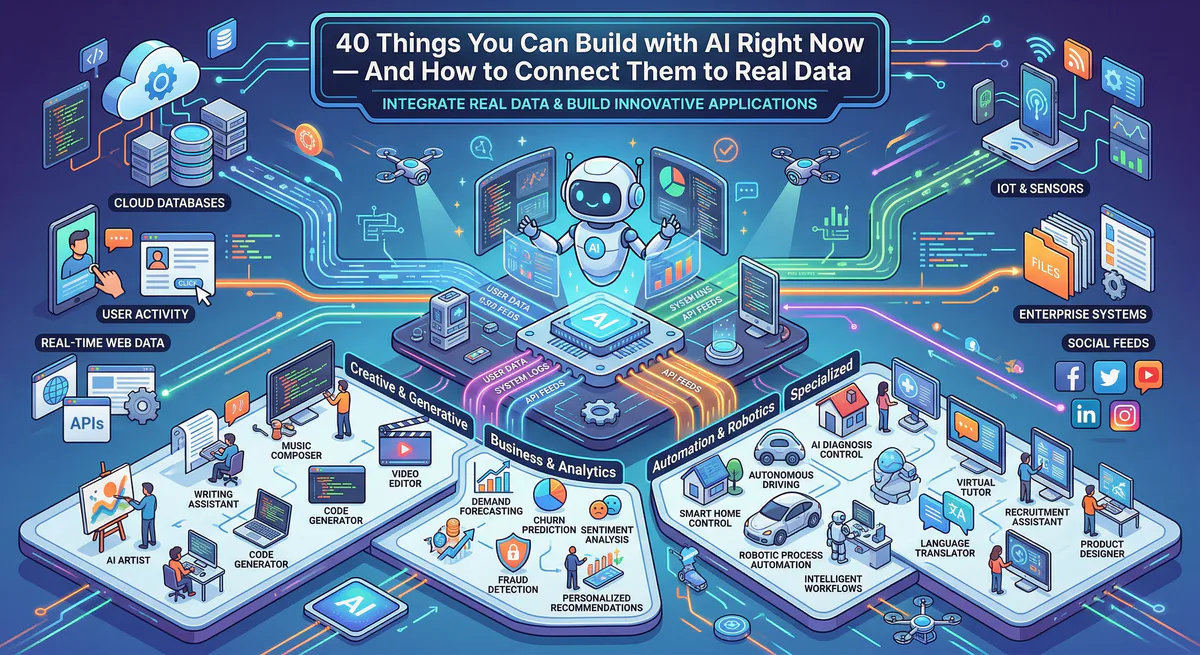
This guide solves that. Here are 40 real app ideas — organized by who you are and what problem you’re solving. Every idea includes the data connections that turn it from a pretty prototype into something people will pay for.
How This List Works
Each idea follows the same structure:
- What to build — The app, in one sentence
- Who it’s for — The target user
- What makes it real — The data connections that bring it to life
- Bridges you’ll need — The specific integrations from our App Catalog that connect your AI app to the real world
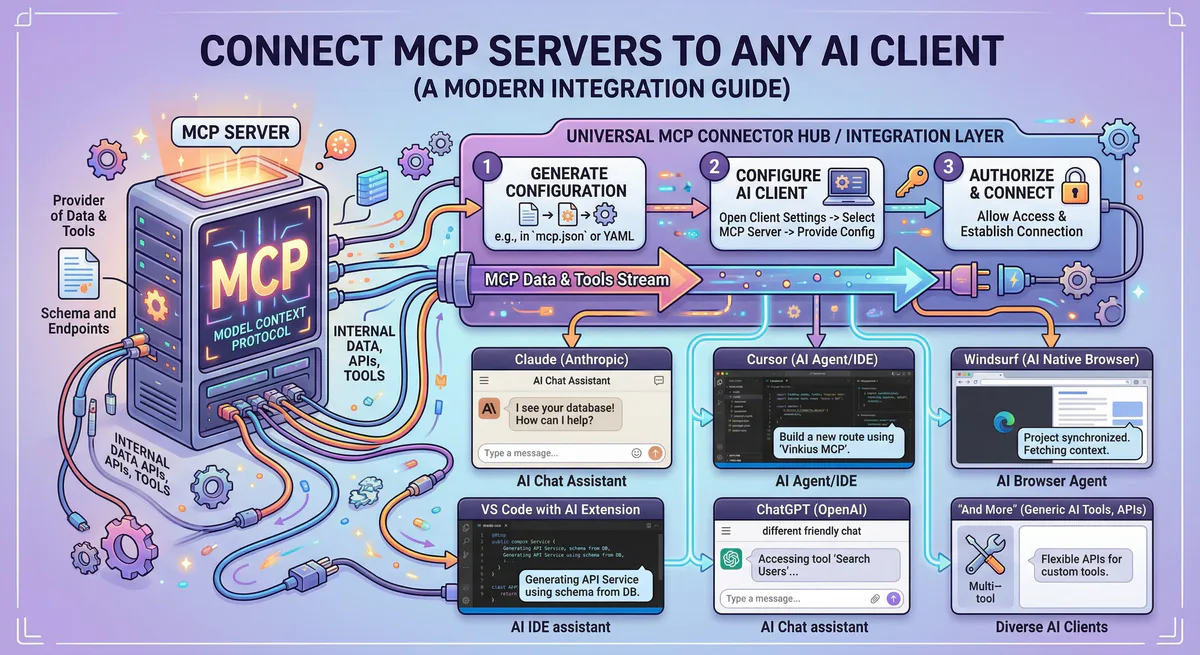
Every bridge listed is available right now. Subscribe → copy connection URL → paste into your AI tool → done.
For Freelancers & Solopreneurs
1. Automated Invoice Tracker
Build a dashboard that shows all your incoming payments, outstanding invoices, and monthly revenue trends — updated in real time.
Bridges: Stripe MCP + Google Sheets MCP
2. Client Proposal Generator
Enter a project brief, and the AI drafts a professional proposal pulling your standard rates from a spreadsheet and your client’s details from your CRM.
Bridges: HubSpot MCP + Google Sheets MCP + Notion MCP
3. Project Status Portal
A client-facing page where your clients can see project milestones, deliverables, and next steps — without you sending manual updates.
Bridges: Jira MCP or Linear MCP + Notion MCP
4. Expense Categorizer
Connect your bank statements (via CSV upload) and Stripe transactions. The AI categorizes every expense automatically and exports it to your accounting spreadsheet.
Bridges: Stripe MCP + Google Sheets MCP
5. Weekly Client Report Generator
Every Friday, the AI pulls your project activity from Jira, revenue from Stripe, and notes from Notion — then generates a polished PDF report.
Bridges: Jira MCP + Stripe MCP + Notion MCP
For Marketing Teams
6. Lead Qualification Dashboard
Pull all new leads from HubSpot. The AI scores them based on company size, industry, and engagement history. Unqualified leads are filtered out automatically.
Bridges: HubSpot MCP
7. Competitor Website Monitor
The AI crawls competitor websites weekly. When pricing, features, or positioning changes, it posts a summary to your #competitive-intel Slack channel.
Bridges: Firecrawl MCP + Slack MCP
8. SEO Content Brief Generator
Enter a keyword. The AI crawls the top 10 results, analyzes content structure, word count, and headers — then generates a detailed content brief in your Notion workspace.
Bridges: Firecrawl MCP + Notion MCP
9. Social Media Calendar
A visual calendar that pulls your content plan from Notion and cross-references it with campaign deadlines and performance data.
Bridges: Notion MCP + Google Sheets MCP
10. Campaign Performance Summarizer
Connects to your analytics spreadsheet and Slack. Every Monday morning, the AI posts a campaign performance summary to #marketing with trends, anomalies, and recommendations.
Bridges: Google Sheets MCP + Slack MCP
For Sales Teams
11. Deal Pipeline Visualizer
A real-time dashboard showing every deal in your pipeline — pulled directly from HubSpot — with AI-generated risk scores and next-step recommendations.
Bridges: HubSpot MCP
12. Meeting Notes → CRM Sync
After a client meeting, paste your notes. The AI extracts key details (budget, timeline, decision maker) and updates the CRM contact automatically.
Bridges: HubSpot MCP + Notion MCP
13. Stale Lead Alerter
The AI scans your CRM daily. Any lead with no activity in 14+ days triggers a Slack notification with a suggested follow-up message.
Bridges: HubSpot MCP + Slack MCP
14. Sales Battlecard App
An internal tool where your sales team searches for competitor names and gets instant battlecard comparisons pulled from your Notion knowledge base.
Bridges: Notion MCP + Firecrawl MCP
15. Commission Calculator
Connects to Stripe for closed deals and Google Sheets for commission rates. Automatically calculates and displays each rep’s earnings in real time.
Bridges: Stripe MCP + Google Sheets MCP
For Customer Support
16. Ticket Triage Dashboard
Pull unresolved tickets from Zendesk. The AI categorizes them by urgency, assigns a sentiment score, and routes critical ones to the right team channel in Slack.
Bridges: Zendesk MCP + Slack MCP
17. FAQ Auto-Generator
The AI reads the last 200 resolved tickets, identifies the 20 most common questions, and generates a FAQ document in Notion.
Bridges: Zendesk MCP + Notion MCP
18. Customer Health Score
Combines support ticket frequency (Zendesk), payment history (Stripe), and engagement (HubSpot) to calculate a health score for each customer.
Bridges: Zendesk MCP + Stripe MCP + HubSpot MCP
19. Bug Report → Engineering Pipeline
When a support agent tags a ticket as “bug,” the AI automatically creates a Jira ticket with reproduction steps, customer impact level, and a link back to the original ticket.
Bridges: Zendesk MCP + Jira MCP + Slack MCP
20. Response Time Tracker
A dashboard that shows your team’s average response times, resolution rates, and SLA compliance — updated hourly from Zendesk data.
Bridges: Zendesk MCP + Google Sheets MCP
For Operations & HR
21. Employee Directory
A searchable internal directory that pulls employee information from Google Workspace and org chart data from your HR spreadsheet.
Bridges: Google Workspace MCP + Google Sheets MCP
22. Onboarding Checklist App
New hires see a personalized checklist: accounts to set up, docs to read, meetings to schedule. Progress is tracked in Notion and updates posted to #hr in Slack.
Bridges: Notion MCP + Slack MCP
23. PTO Tracker
Employees submit time-off requests through the app. The AI checks team coverage (from a Google Sheet), flags conflicts, and posts approvals to Slack.
Bridges: Google Sheets MCP + Slack MCP
24. Meeting Cost Calculator
Pulls your calendar events and calculates the total cost of meetings based on attendee salaries (from your HR spreadsheet). Shows which meetings are the most expensive.
Bridges: Google Calendar MCP + Google Sheets MCP
25. Internal Announcement Hub
A company news feed. HR posts announcements in Notion; the app formats them beautifully and pushes summaries to Slack.
Bridges: Notion MCP + Slack MCP
For Agencies & Consultants
26. Multi-Client Dashboard
A single view showing project status, invoices, and support tickets across all your clients — each pulling from their own data sources.
Bridges: Jira MCP + Stripe MCP + Slack MCP
27. White-Label Client Portal
A branded portal where each client logs in and sees their deliverables, invoices, and project timeline — without seeing other clients’ data.
Bridges: Stripe MCP + Notion MCP + Jira MCP
28. Proposal Pipeline Tracker
Track every proposal your team has sent: who sent it, when, the amount, and whether it’s been accepted. Pulls data from your CRM and calculates win rates.
Bridges: HubSpot MCP + Google Sheets MCP
29. Resource Allocation Board
A visual board showing which team member is assigned to which client project. Pulls from Jira and highlights overloaded team members.
Bridges: Jira MCP + Google Sheets MCP
30. Client Satisfaction Pulse
After every project milestone, the app surveys the client and logs their satisfaction score. Trends are displayed on a dashboard and flagged if scores drop.
Bridges: Notion MCP + Slack MCP + Google Sheets MCP
For Product Teams
31. Feature Request Aggregator
Pulls feature requests from Jira, Slack messages tagged #feature-request, and Notion product docs. The AI groups duplicates and ranks by frequency.
Bridges: Jira MCP + Slack MCP + Notion MCP
32. Sprint Progress Visualizer
A dashboard showing sprint progress, velocity, and burndown — pulled directly from Jira. The AI adds commentary: “Sprint is 30% behind based on current velocity.”
Bridges: Jira MCP
33. Changelog Generator
When you close Jira tickets, the AI generates a user-facing changelog entry and pushes it to your Notion docs.
Bridges: Jira MCP + Notion MCP
34. User Story Writer
Product managers enter a feature idea. The AI generates user stories, acceptance criteria, and edge cases — then creates the Jira tickets automatically.
Bridges: Jira MCP + Notion MCP
35. Release Readiness Checker
Before a release, the AI scans pending Jira tickets, checks test results from GitHub PRs, and produces a “release readiness” report with blockers highlighted.
Bridges: Jira MCP + GitHub MCP
For E-Commerce & SaaS
36. Revenue Dashboard
Real-time display of MRR, churn rate, new subscriptions, and failed payments — all pulled from Stripe. No spreadsheet manipulation needed.
Bridges: Stripe MCP
37. Refund Monitor
Every time a refund exceeds a threshold ($100+), the AI posts a Slack alert with the customer name, reason, and subscription details.
Bridges: Stripe MCP + Slack MCP
38. Subscription Churn Predictor
Combines Stripe payment patterns with support ticket volume (Zendesk) and product usage data. The AI flags accounts likely to cancel — before they do.
Bridges: Stripe MCP + Zendesk MCP + Google Sheets MCP
39. Pricing Page A/B Tracker
The AI monitors your pricing page weekly (via Firecrawl) and cross-references conversion rates from your analytics sheet. Suggests pricing changes based on trends.
Bridges: Firecrawl MCP + Google Sheets MCP
40. Customer Onboarding Tracker
Visualize where each new customer is in the onboarding flow. Which steps they completed, which they skipped, and when they last logged in.
Bridges: Supabase MCP + Slack MCP + HubSpot MCP
How to Turn Any Idea Into a Working App
Step 1: Pick one idea from this list
Choose the one that solves a problem you or your team deals with every week. Not the most ambitious one — the most painful one.
Step 2: Build the UI in 5 minutes
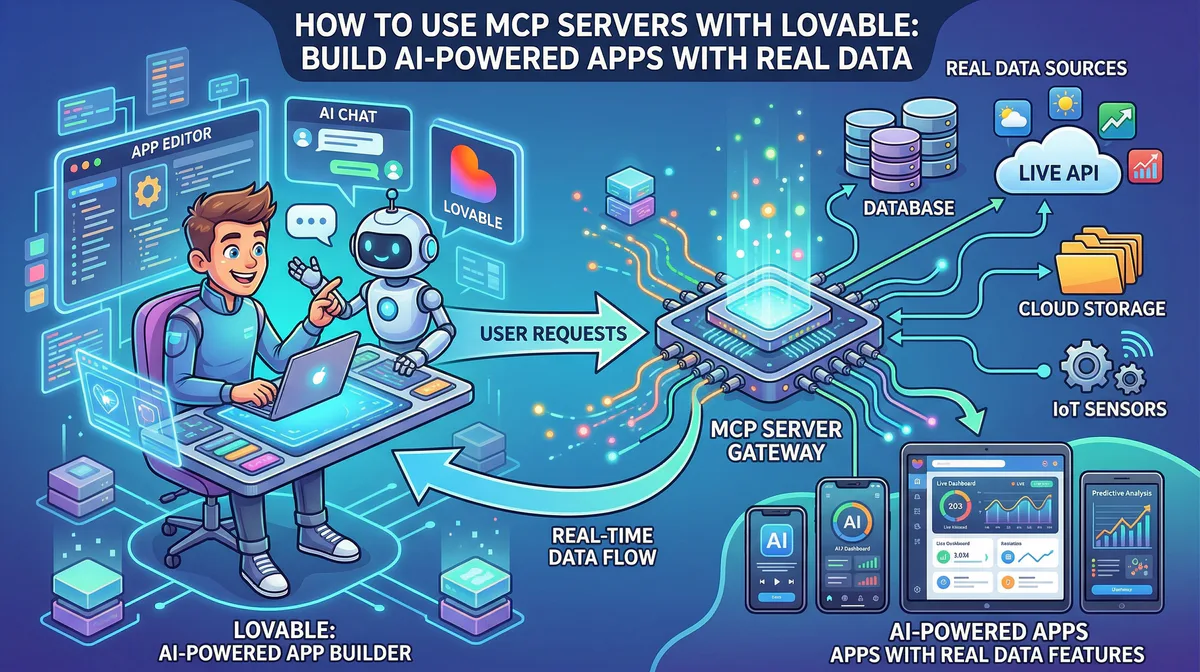
Open Lovable, Bolt, or your preferred AI builder. Describe the app:
“Build a client portal with three sections: project timeline, invoice history, and support tickets. Use a dark theme with a sidebar navigation.”
Your app is ready in minutes. But it has placeholder data.
Step 3: Connect the bridges (5 more minutes)
- Go to cloud.vinkius.com and create a free account
- Browse the App Catalog and subscribe to the integrations your idea needs
- Paste the connection URLs into your AI tool’s MCP settings
Step 4: Replace the placeholders
Tell your AI builder:
“Connect the invoice section to Stripe and show real invoice data. Connect the support section to Zendesk and show open tickets for the logged-in user.”
Step 5: Ship it
Your app now works with real data. Real invoices. Real tickets. Real customer names. The placeholder era is over.
Every Bridge, One Catalog
All 2,500+ integrations are available in our App Catalog. Here are the most popular ones for the ideas in this guide:
| Bridge | What it connects | Used in ideas |
|---|---|---|
| Stripe MCP | Payments, invoices, subscriptions | #1, #4, #5, #15, #18, #26, #27, #36, #37, #38 |
| HubSpot MCP | CRM contacts, deals, pipelines | #2, #6, #12, #13, #18, #28, #40 |
| Slack MCP | Messages, channels, alerts | #7, #10, #13, #16, #19, #22, #23, #25, #30, #31, #37, #40 |
| Notion MCP | Docs, databases, knowledge bases | #2, #3, #5, #8, #9, #12, #14, #17, #22, #25, #27, #30, #33, #34 |
| Jira MCP | Tickets, sprints, backlogs | #3, #5, #19, #26, #29, #31, #32, #33, #34, #35 |
| Google Sheets MCP | Spreadsheets, reports, data | #1, #4, #9, #10, #15, #20, #21, #23, #24, #28, #29, #30, #38, #39 |
| Zendesk MCP | Support tickets, SLA, satisfaction | #16, #17, #18, #19, #20, #38 |
| Firecrawl MCP | Web scraping, competitor monitoring | #7, #8, #14, #39 |
| GitHub MCP | Repos, PRs, code, issues | #35 |
| Supabase MCP | Database queries, schema, auth | #40 |
| Google Workspace MCP | Users, calendar, drive | #21, #24 |
Start Building
Step 1. Pick an idea from this list.
Step 2. Build the UI with Lovable, Bolt, Cursor, or Replit.
Step 3. Connect the bridges via our App Catalog.
Step 4. Ship something real.
The world doesn’t need more prototypes with fake data. It needs apps that work.
Looking for a bridge we don’t have? Tell us at support@vinkius.com — we add new integrations every week.
Your agents need tools. We make them safe.
Pick an MCP server from the catalog. Subscribe. Copy the URL. Paste it into Claude, Cursor, or any client. One URL — DLP, audit trail, and kill switch included.
V8 sandbox isolation · Semantic DLP · Cryptographic audit trail · Emergency kill switch